

Real Estate Agency Targeted by a Fake Software Update in Moorabbin
How Intuitive Strategy investigated a fake software update and remote-access scam at a Moorabbin real estate agency, including findings and security improvements.
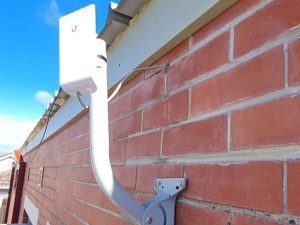
Ubiquiti NanoStation Upgrade Mordialloc | airMAX Wireless
When the outdoor Ubiquiti Loco M2 used in a point-to-point wireless link at U3A Kingston in Mordialloc failed, the site needed the connection restored with a suitable replacement.
We replaced the failed radio with a Ubiquiti NanoStation M5, configured and aligned the new unit, then tested the wireless link onsite.

Weekend Business Wi-Fi, EFTPOS & Network Support in Melbourne
A Brunswick therapy practice needed urgent weekend help with slow Wi-Fi, a misconfigured Deco mesh system, EFTPOS connectivity and website access issues. We simplified the network, restored reliable coverage and isolated a separate Aussie Broadband DNS issue.
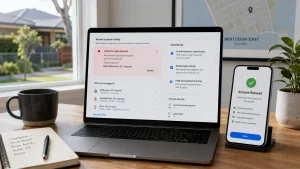
Facebook Account Hacked? How We Helped a Bentleigh East Client Secure Their Accounts
A client in Bentleigh East contacted us after becoming concerned that their Facebook account and primary Mac computer may have been compromised.
They had noticed that their profile picture had changed unexpectedly, along with inflammatory Facebook comments being posted to other people from their account. Understandably, they wanted to know whether someone had gained access to their Mac, Facebook profile or other important online accounts.