Ubiquiti airMAX NanoStation Upgrade at U3A Kingston in Mordialloc
When the outdoor Ubiquiti Loco M2 used in a point-to-point wireless link at U3A Kingston failed, the site needed the connection restored with a suitable replacement.
We replaced the failed radio with a Ubiquiti NanoStation M5, configured and aligned the new unit, then tested the wireless link onsite.
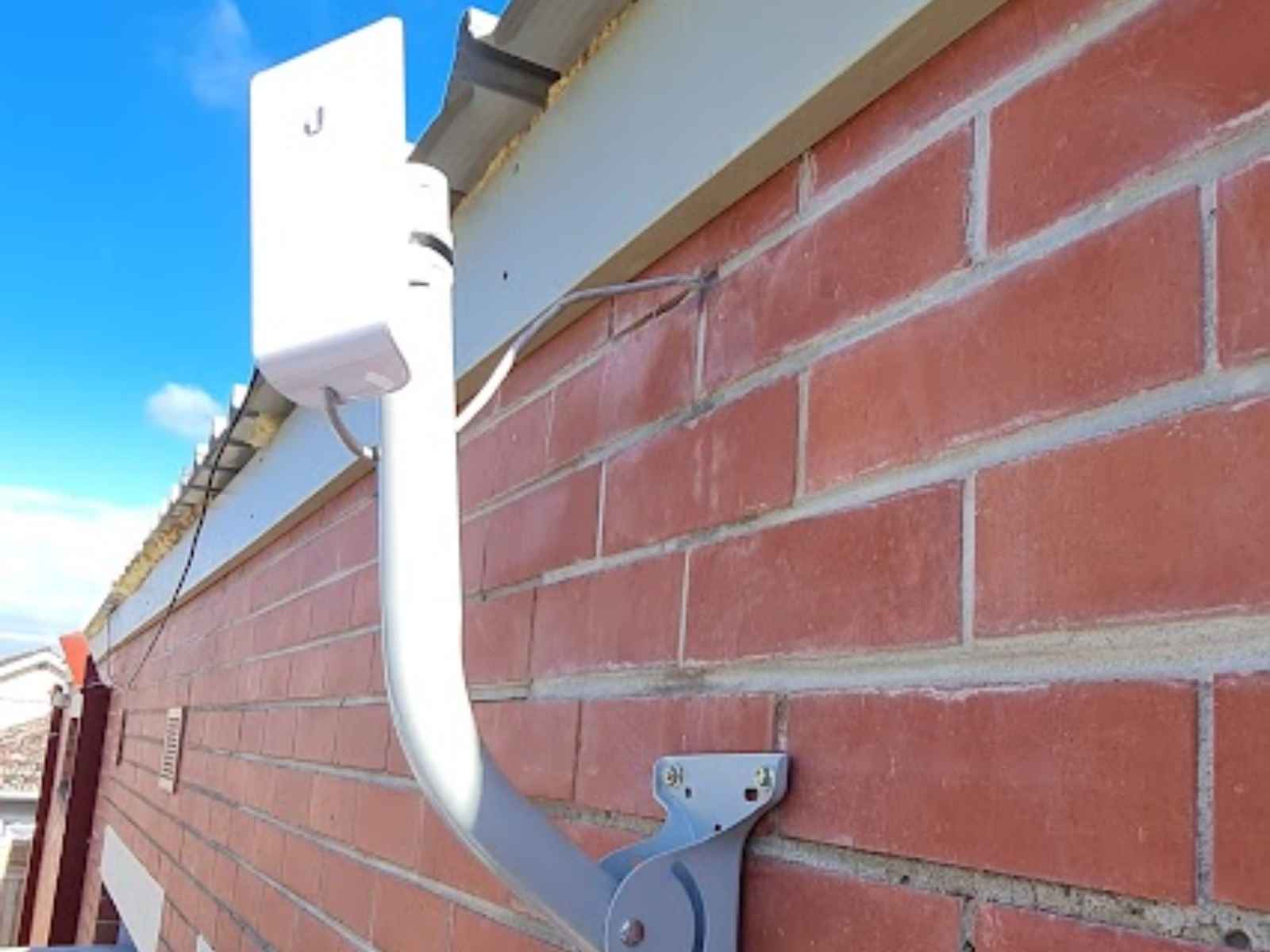
Project snapshot
A failed Loco M2 took the wireless link offline
At U3A Kingston’s Mordialloc site, an existing outdoor Ubiquiti Loco M2 used as part of a directional wireless link had failed and needed to be replaced.
Point-to-point links serve a different purpose to a normal indoor Wi-Fi access point. They are designed to carry a network connection across a defined path, so when one end of the link fails the priority is to restore that radio connection correctly.
We inspected the existing installation and mounting arrangement, then replaced the failed radio with a NanoStation M5 while retaining the established point-to-point design.
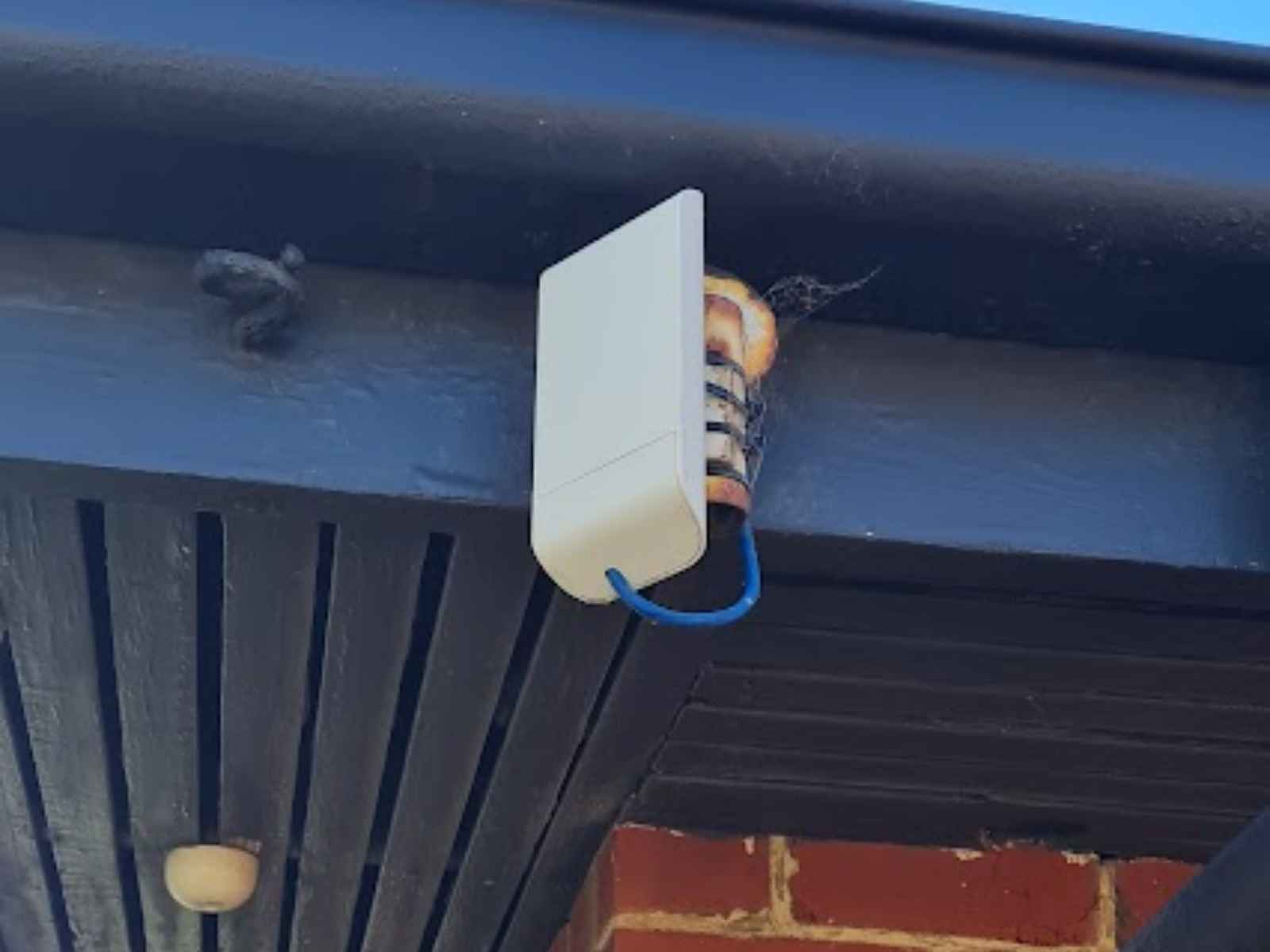
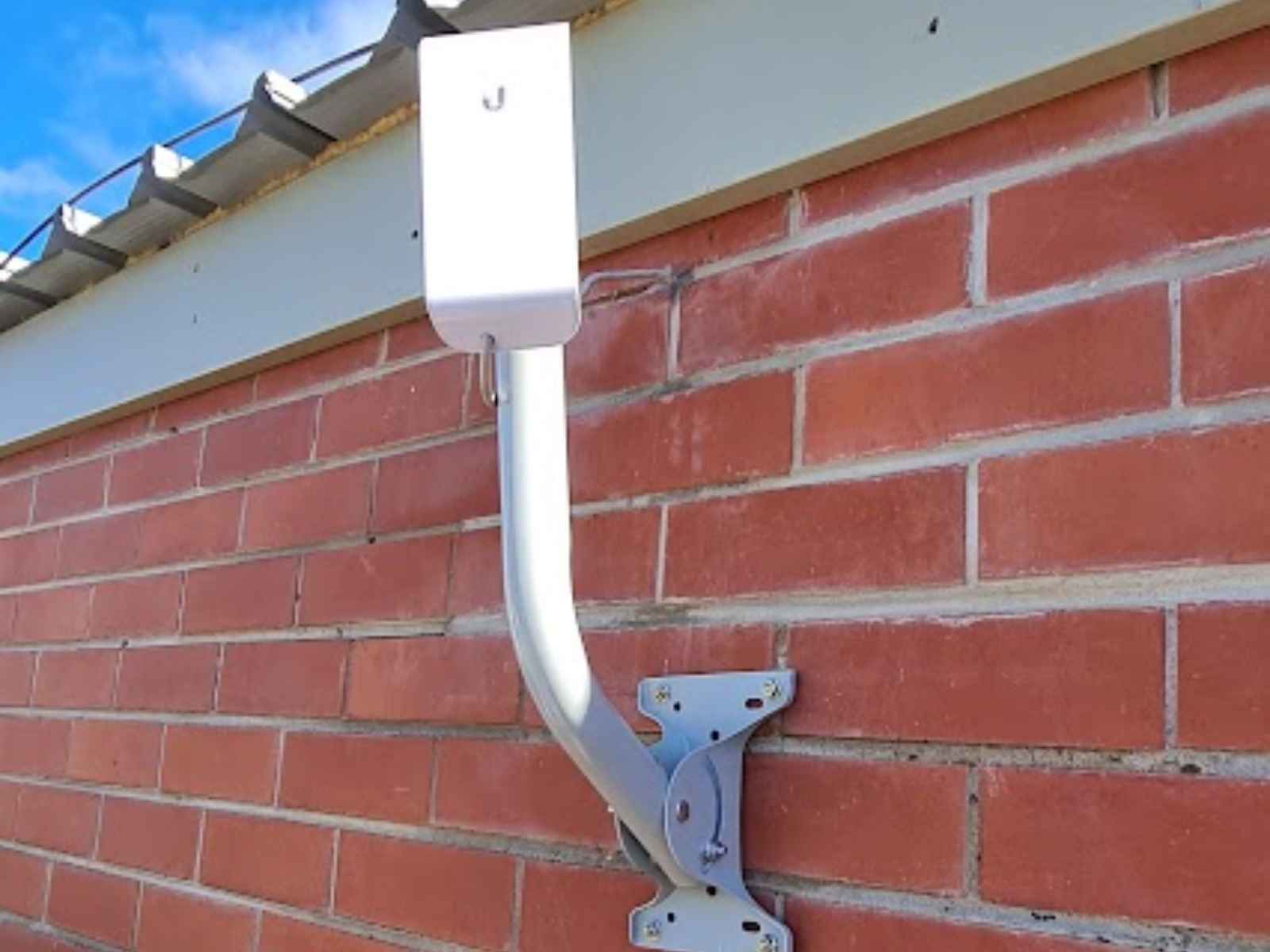
Upgrading the Ubiquiti airMAX radio
The replacement NanoStation M5 is part of Ubiquiti’s airMAX range. It is not a UniFi access point, although Ubiquiti and UniFi are often used interchangeably when people are looking for support.
For this job, the M5 provided a 5 GHz directional outdoor radio for the existing wireless bridge. Moving from an older 2.4 GHz Loco M2 to a 5 GHz radio can also provide more usable spectrum in many environments, although the result always depends on line of sight, distance, interference and configuration.
Our goal was straightforward: install the replacement cleanly, configure it for the link, align it correctly and verify that network connectivity had been restored.
Installing, aligning and testing the replacement
The hardware swap was only one part of the job. A directional wireless bridge also needs the replacement radio connected, configured and aligned correctly before the link can be relied on.
Mount the replacement
Secure the NanoStation on the existing external mounting point.
Connect & configure
Connect Ethernet/PoE and configure the radio for the existing wireless link.
Align the radio
Aim the directional radio so the two ends of the point-to-point link communicate correctly.
Test connectivity
Confirm the wireless link is operating and network traffic is passing as expected.
What is a Ubiquiti point-to-point wireless link?
A point-to-point wireless link is a way of extending network connectivity between two locations using directional outdoor radios. It is commonly used between buildings or across areas where running new Ethernet or fibre would be difficult, disruptive or unnecessarily expensive.
Instead of broadcasting Wi-Fi broadly around a room, each radio is aimed toward the other end of the link. With suitable line of sight and correct configuration, the pair effectively acts as a wireless bridge between the two network locations.
Ubiquiti’s airMAX NanoStation range has been widely used for this type of application. If you are planning a new link, repairing an existing one or troubleshooting an unstable wireless bridge, see our wireless networking support in Melbourne.
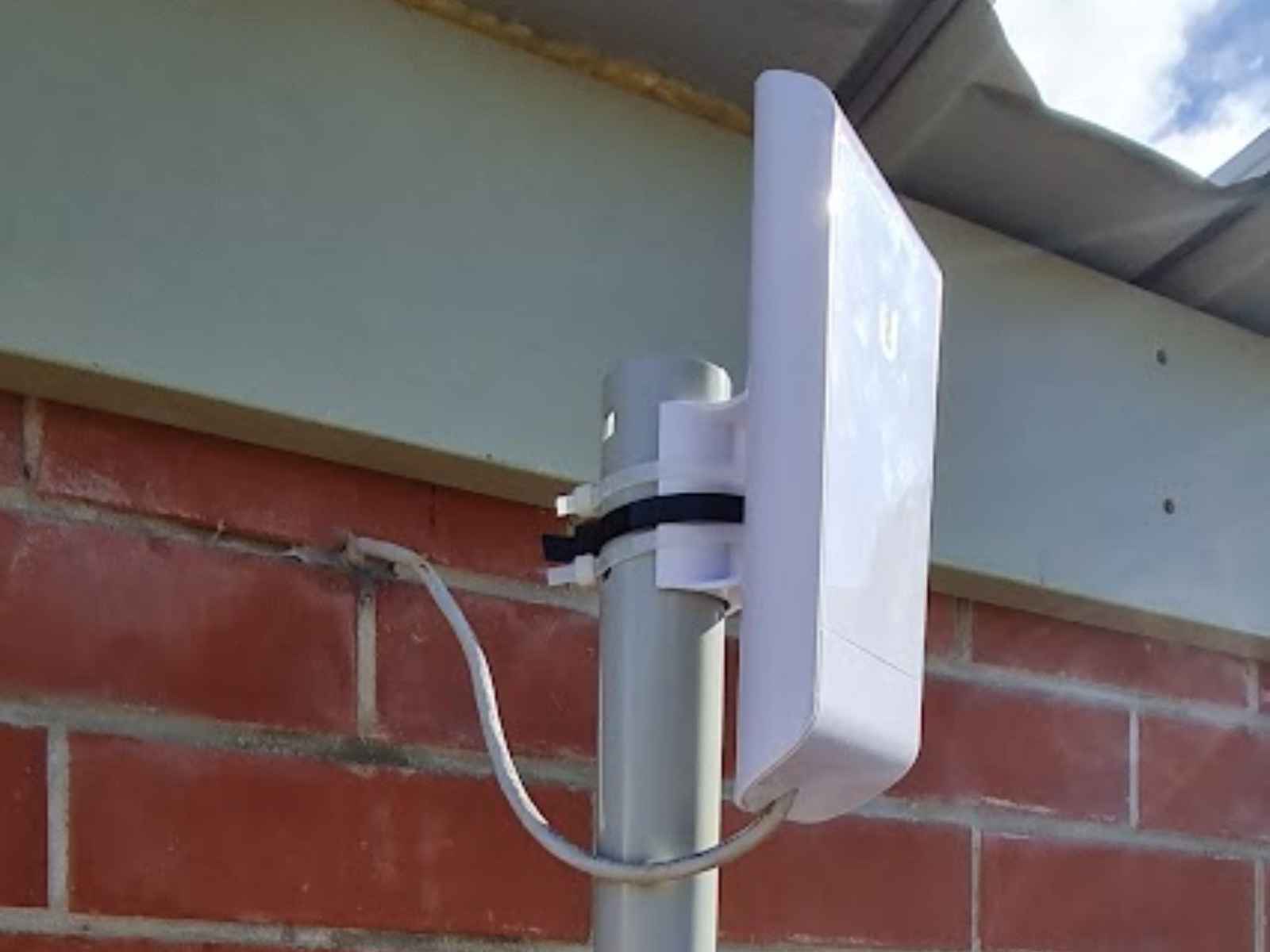
The result: the wireless link was restored
Once the replacement NanoStation M5 was installed, configured and aligned, we tested connectivity over the point-to-point wireless link and confirmed it was operating again.
This is the kind of targeted Ubiquiti work we regularly carry out for businesses, community organisations and homes across Melbourne: diagnose the failed component, replace or reconfigure the equipment, then test the network rather than making unnecessary changes elsewhere.
For broader Ubiquiti networking, Wi-Fi troubleshooting, UniFi access points, switches, gateways and controller support, visit our Ubiquiti & UniFi Support Melbourne page.
Ubiquiti wireless link FAQs
Is NanoStation M5 a UniFi device?
No. NanoStation M5 is part of Ubiquiti’s airMAX family rather than the UniFi range. Both are Ubiquiti products, which is why customers often encounter both names while looking for network support.
Can point-to-point wireless connect two buildings?
Yes, in many situations. Directional radios can bridge network connectivity between two locations when there is a suitable path and the link is designed and aligned correctly.
Do you support Ubiquiti in Mordialloc and Kingston?
Yes. We provide onsite Ubiquiti and UniFi support across Mordialloc, Kingston, Bayside, Melbourne’s south-east and the wider metropolitan area.
Need Ubiquiti or UniFi support in Melbourne?
We install, troubleshoot and upgrade Ubiquiti airMAX and UniFi networks across Mordialloc, Kingston and Melbourne. If a wireless link has failed or your UniFi network needs attention, talk to our local networking team.