EXCELLENT
Based on 264 reviews
-
Amanda Buckley
The very good reviews for the Intuitive Strategy folks are well-deserved. Both Michael and Hugh are great to deal with. Non-patronising. Explain in simple terms. Take the time to listen to your questions, and make sure you get it. Highly recommend.
-
George Dalidakis
I am always happy with your efficient and prompt assistance when I need you!!
-
nello compagnino
Absolutely recommend Michael he is a SUPERSTAR he is a true professional Love his work ethic and he has set my system up perfectly 👌
-
Steven Kruger
I found Michael to be very knowledgeable and helpful in my quest to upgrade my desk top computer which he had upgraded approximately 1 year ago. His pricing is competitive and product knowledge professional. Thank you.
-
Stephen Tingay
Amazing support 24/7. When you don’t have tech knowledge Michaels ability to help at any time is 2nd to none 👍💯‼️
-
GCA
I've had lots of fantastic experiences with Intuitive Strategy. They are reliable, highly efficient, and always a pleasure to deal with. What really stands out is how quickly they respond whenever I need assistance. It's reassuring to know that if a problem arises, they're onto it straight away and get things resolved with minimal fuss. I highly recommend Intuitive Strategy to anyone looking for responsive and dependable IT support.
-
Judy - LVL Group
amazing work fix my computer problem so quick . great service !!
-
Tremlett Woodstar
Friendly, Prompt, knowledgeable, . . . they fixed all our apple and PC problems efficiently and importantly at an affordable price. What else is there to say, we highly recommend Intuitive Strategy for all our computer/IT needs. Toucan Glass Studio
-
David Cooke
In our design practice, we really like working with the team at Intuitive Strategy. Michael & Hugh from the team are always there for us when we need them. Our most recent IT upgrade to M365Email was brilliantly handled by Hugh, who set things up for us out of office hours to make sure we had a seamless transition. Highly recommend this crew
-
Alison Lamont
Thanks Michael for a wonderful outcome to our tech issues. You were a calm, patient and very competent support.
-
Harley Berridge
Amazing service and quality technical work. Michael and team saved our bacon on a Sunday. They bent over backwards to fix our laptop and recover project work stuck on a faulty drive. Highly recommended!
-
Kylie Zamel-Gjubini
Hugh supported our business with IT security and email domain set up and migration. Services was quick, knowledgable and took the stress out of us having to understand and manage this process.
-
Lucia K
Fantastic, service as always, problems consistently fixed swifty and completely resolved. Good, prompt, consistent service is a surprise these days.
-
Steven Grant
Michael was efficient, fast, friendly and extremely helpful in sorting out not only the problem contacted about but willing to spend the time to sort out several other minor issues as well.
-
Sarah Ashton
Micheal was patient with me and guided me through a difficult process. Highly recommend
-
Optical Oasis
We have been using Michael and his team for a number of years and cannot fault the service. Always quick on the response and extremely knowledgeable. As a small business he never makes me wait like other big businesses have in the past. My small business is always important to them.
-
Robin Alfredson
The service was excellent!!
-
Paul Burke
Michael is very responsive and knowledgeable. Great customer service and great outcomes!
-
Scott Stephens
I would give a 10 star if I could. IT and phones are my worst nightmare when things go wrong !! Hugh is very calm , follows careful process, time efficient ! … and a gentleman with it !! .. I have already passed his details on to friends and family.
-
Bruce Pattison
Excellent service & follow up from Hugh to fix an email issue & help with a new laptop. I highly recommend Hugh.






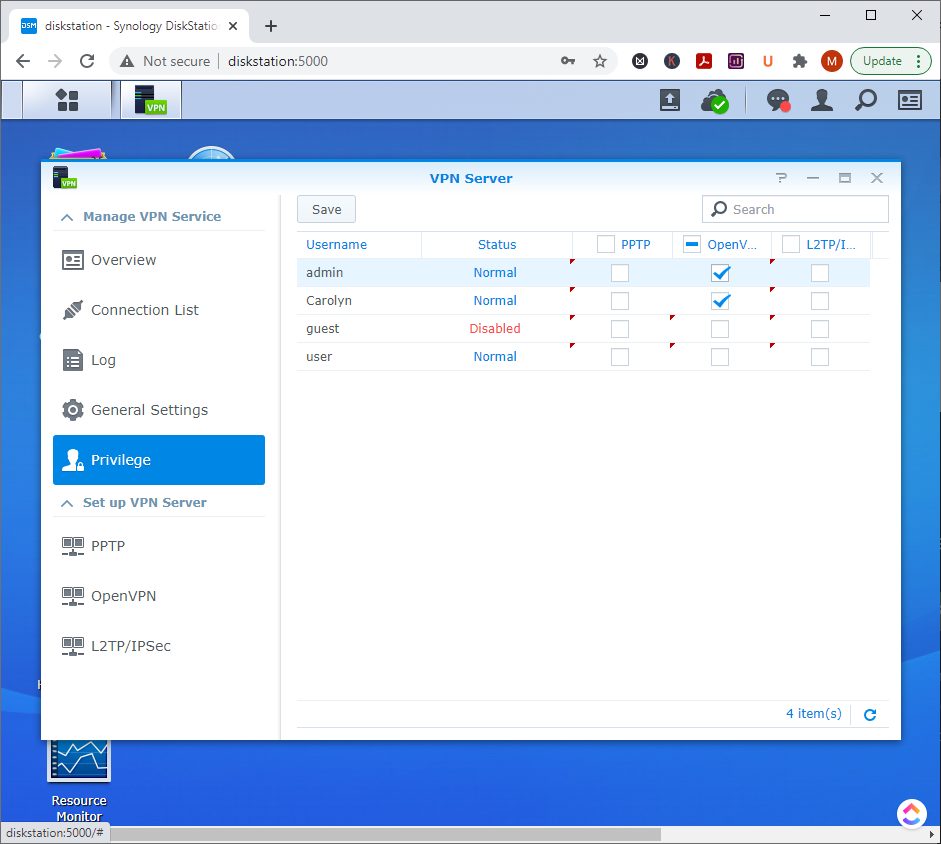
Synology NAS Hard Drive Replacement – Kwik Kopy Mornington
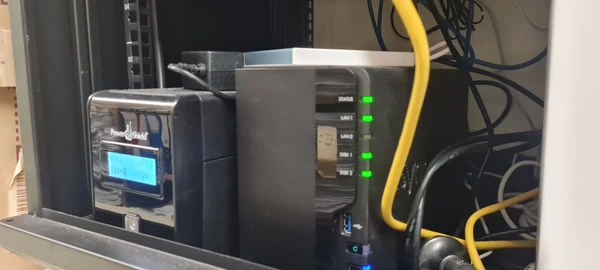
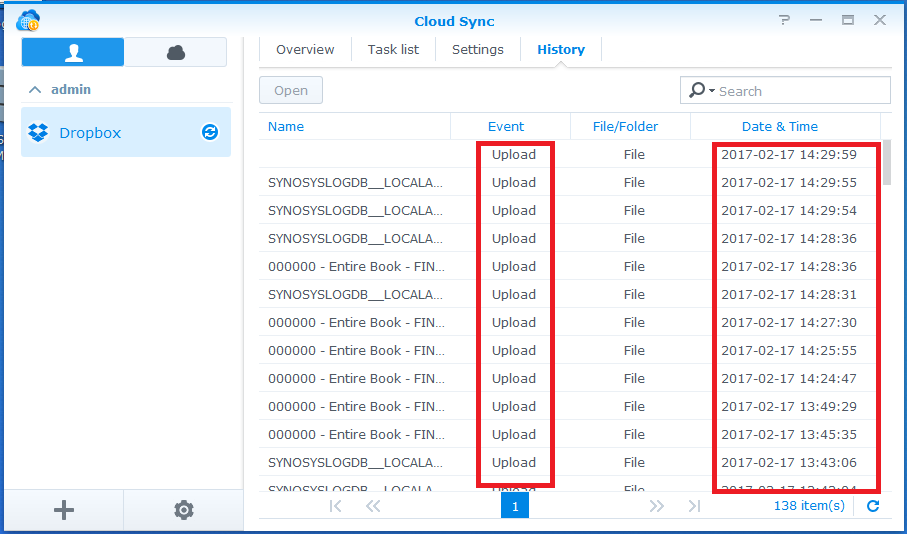
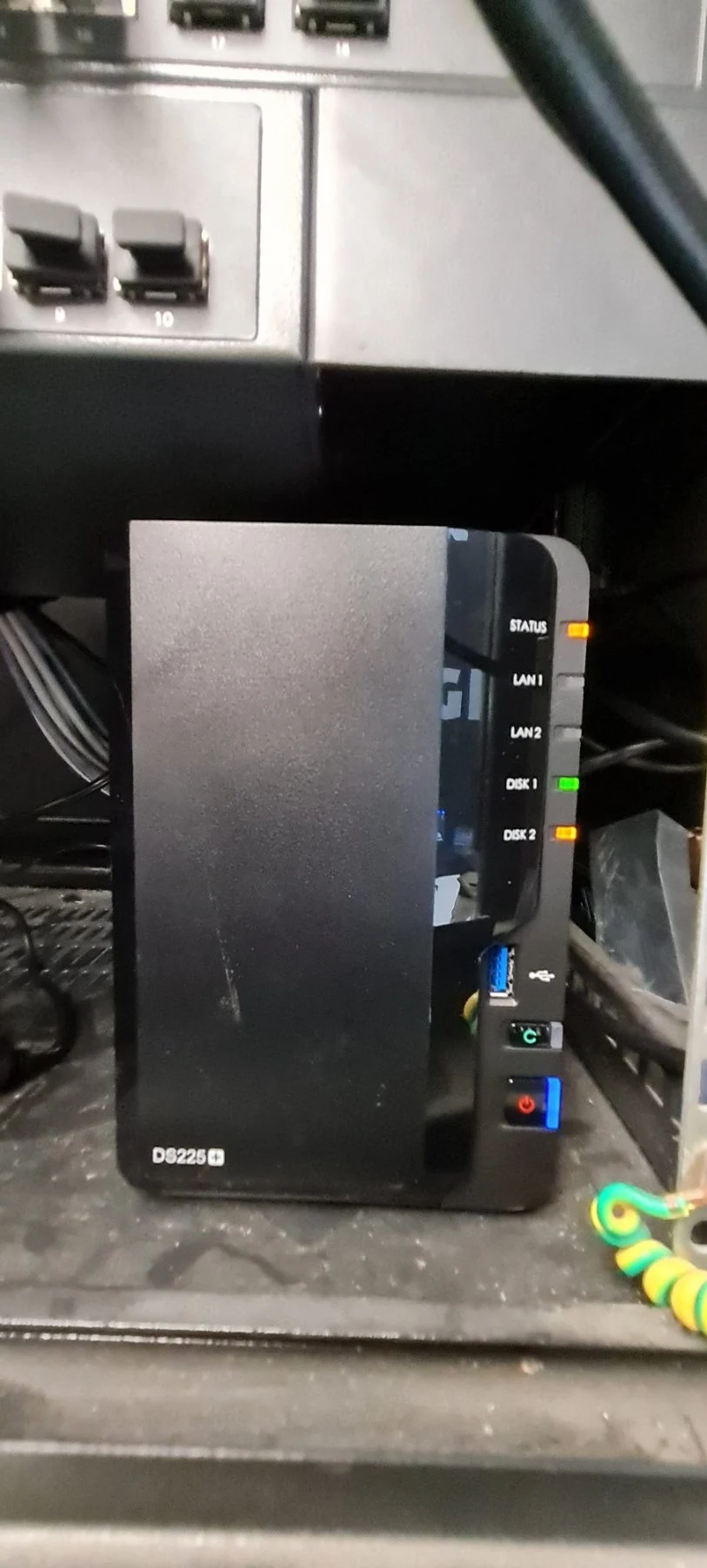
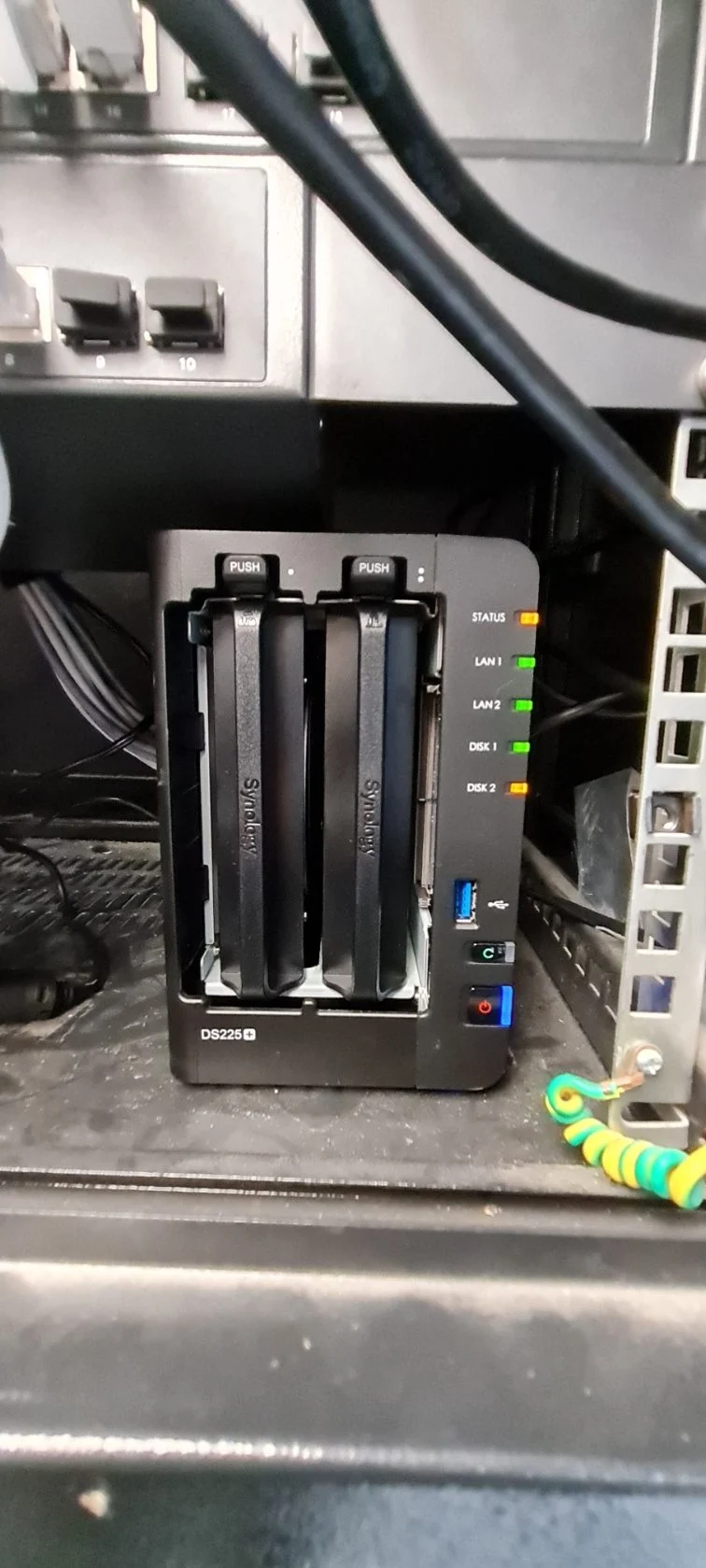
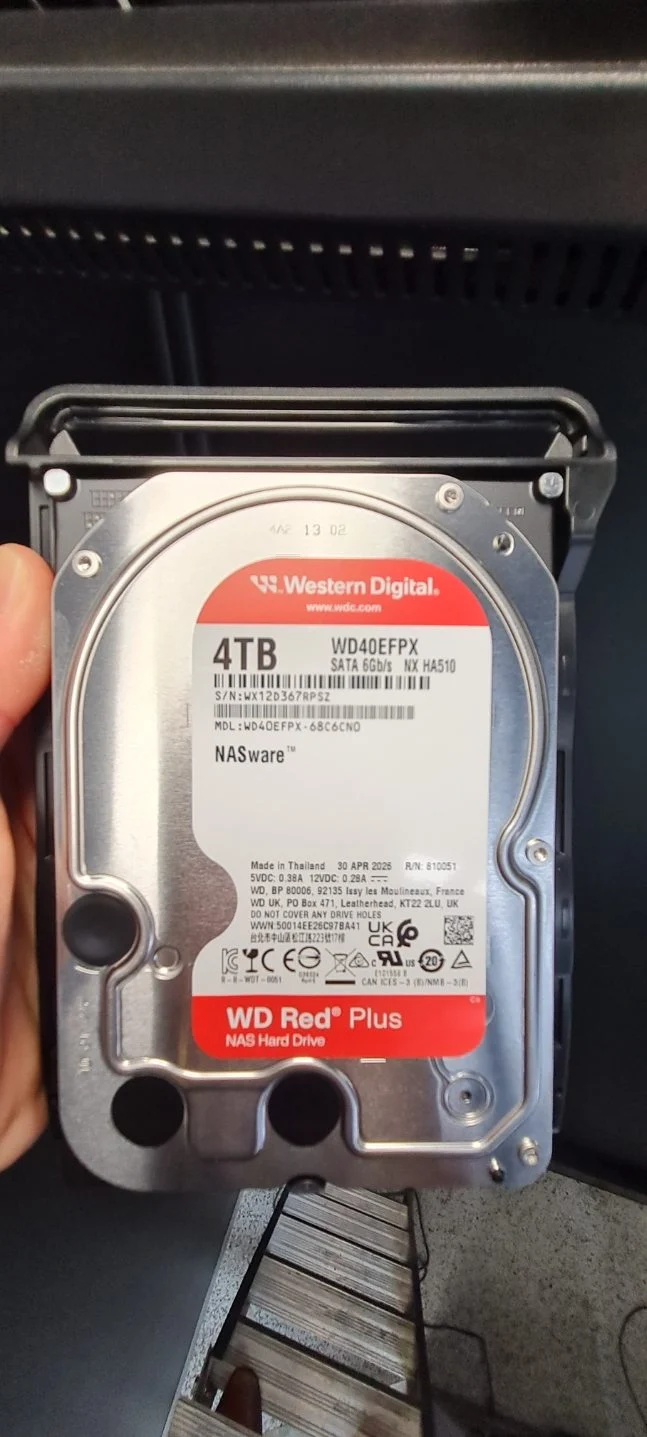
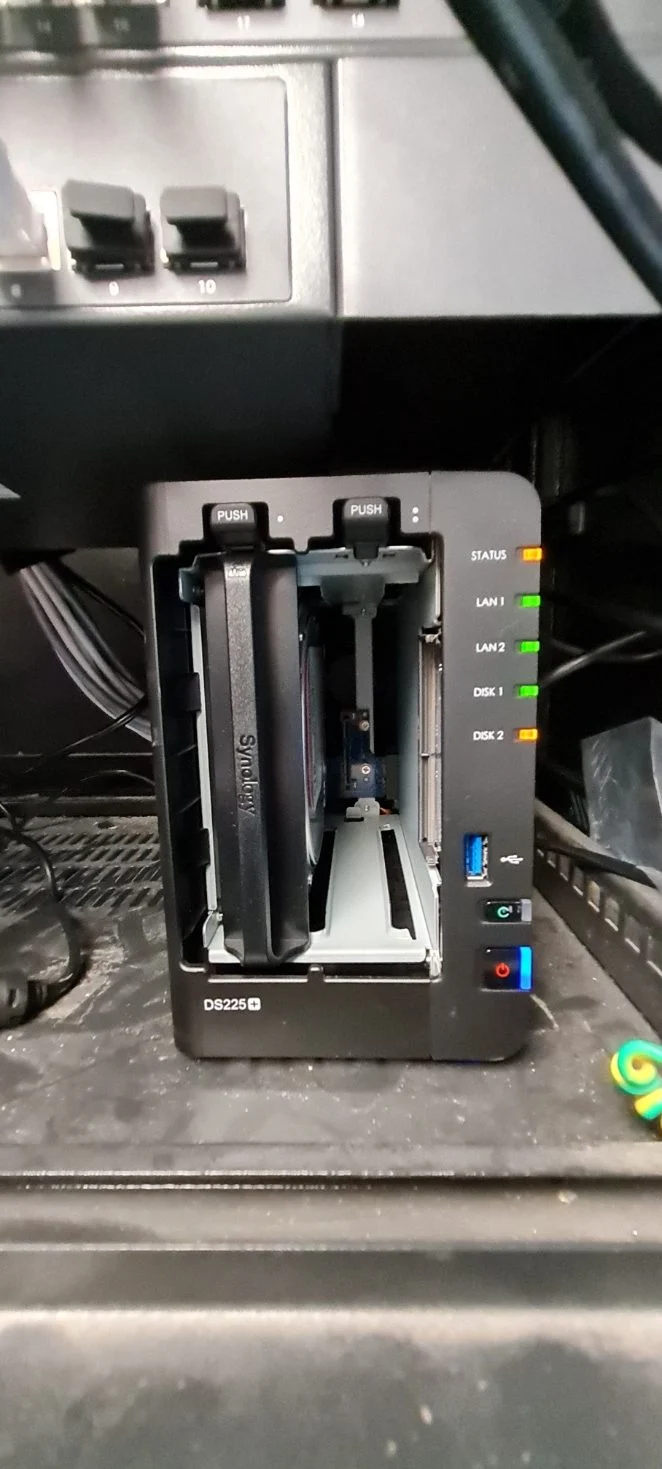
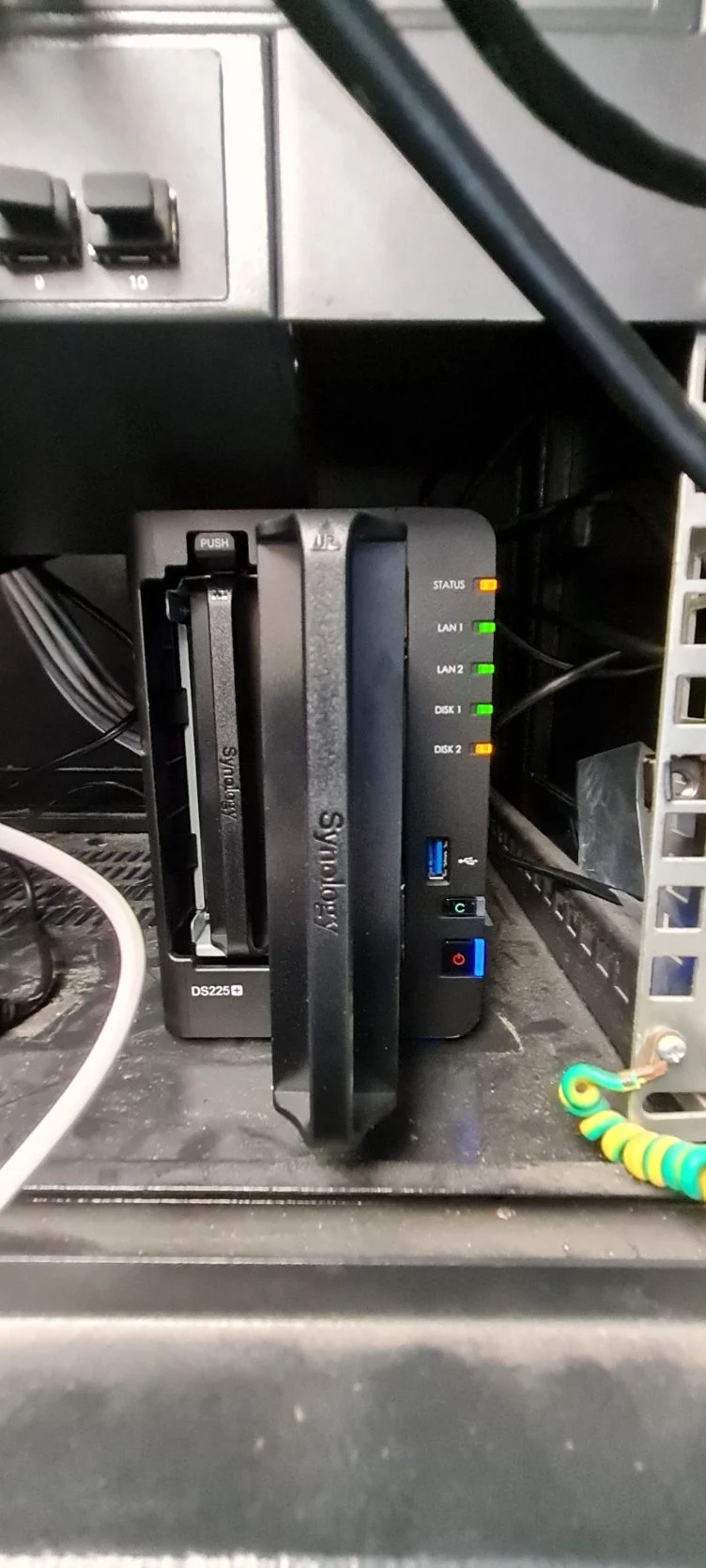
When a Synology NAS reports a degraded drive, prompt diagnosis and appropriate replacement help protect business access to stored files. At Kwik Kopy Mornington, we identified an amber warning for Disk 2 in a Synology DS225+ and replaced the affected drive with a WD Red Plus 4TB hard disk.
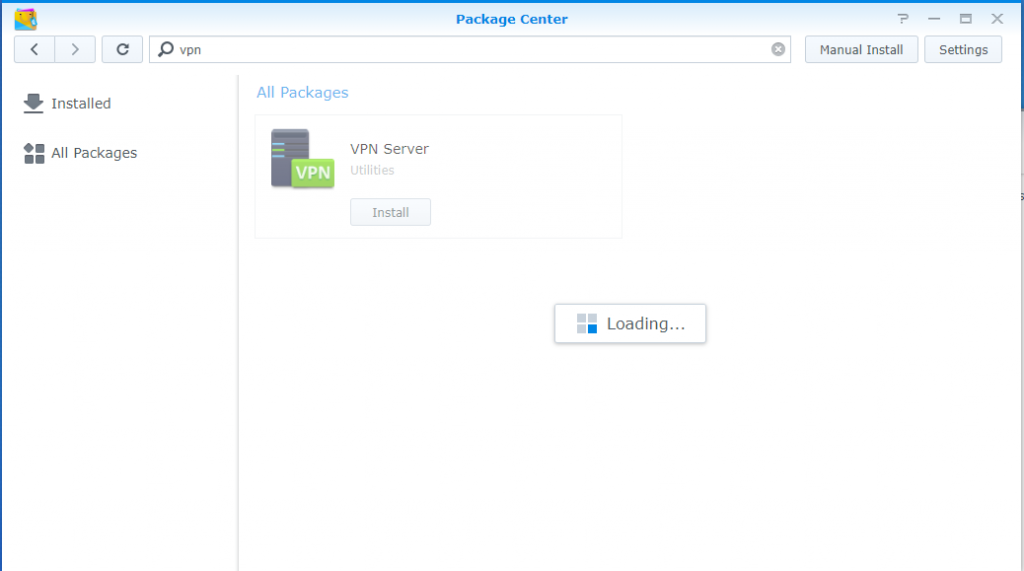
These onsite photos show the warning indicators, replacement drive and physical installation. After replacing a failed disk, the storage pool and disk health should be checked in Synology DSM and any required rebuild monitored to completion.
Need help with a degraded Synology NAS, disk replacement or backup planning? Book Synology support with our Melbourne team.