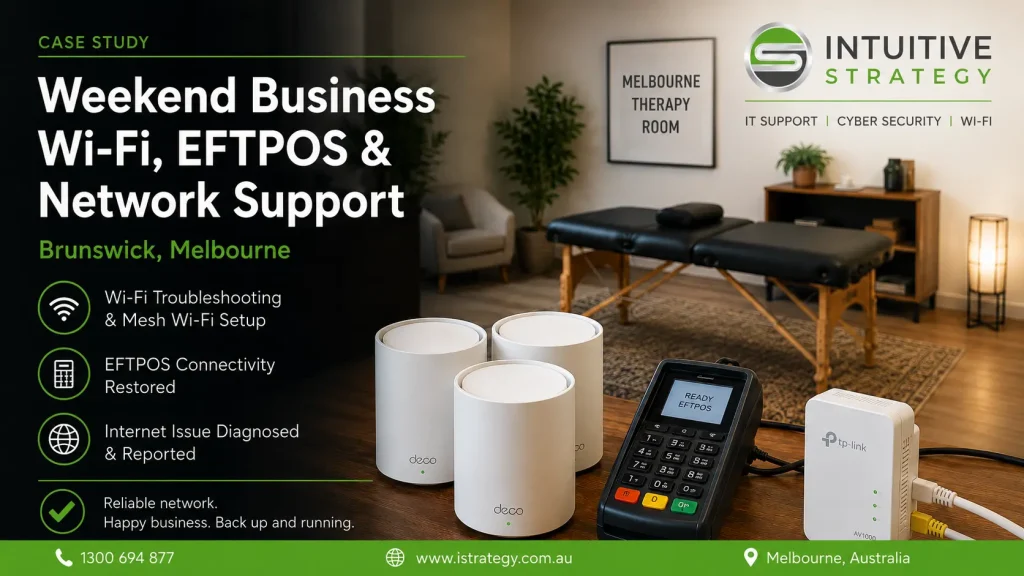
Melbourne Therapy Room in Brunswick contacted Intuitive Strategy for weekend IT support after experiencing ongoing wireless network problems across the business.
The practice had recently changed routers and found that the new setup was not working reliably. The previous router was also delivering very slow internet performance. Their network included a TP-Link Deco mesh Wi-Fi system, a Powerline Ethernet connection for an EFTPOS terminal, and Sonos devices that were no longer connecting correctly.
The goal was to restore reliable Wi-Fi throughout the premises, ensure the EFTPOS terminal had a stable connection, and identify why some websites would not load through the business internet service.
What we found
The network was still relying on an older router, even though the Deco mesh system was capable of operating as the main router for the site.
The Deco units were configured in Access Point mode rather than Router mode. This added unnecessary complexity and meant the mesh Wi-Fi system was not managing the network in the most suitable way.
We also found a separate issue affecting access to certain websites. The affected sites loaded correctly when tested on 4G mobile data, but not when connected to the business’s Aussie Broadband service. This indicated an external DNS or ISP-level issue rather than a fault with the local Wi-Fi network.
What we did
- Removed the old router from the network so the Deco mesh system could operate independently.
- Reconfigured the Deco units to operate in Router mode rather than Access Point mode.
- Tested Wi-Fi signal strength, connectivity and speeds near each Deco unit.
- Checked further locations throughout the building to confirm the mesh Wi-Fi coverage was working as expected.
- Connected a Powerline Ethernet adapter to a Deco unit with an available Ethernet port.
- Tested the receiving Powerline adapter and confirmed its speed was in line with expected Powerline performance.
- Reconnected the Powerline connection to the EFTPOS terminal it was servicing.
- Investigated the website-access issue and logged a ticket with Aussie Broadband after confirming the sites worked correctly on 4G but not through the business connection.
- Performed initial Sonos troubleshooting to investigate why the system was not connecting to the network.
The result
The Deco mesh system was left configured as the main router for the business, simplifying the network and removing the older router from the setup.
Wireless connectivity was tested throughout the premises and was operating at expected speeds. The EFTPOS terminal was restored using the Powerline Ethernet connection, with performance consistent with the capabilities of the hardware.
The website-access issue was isolated as an Aussie Broadband DNS or network-level fault rather than a local Wi-Fi problem, giving the business a clear path for resolution with their internet provider.
Need business Wi-Fi support in Melbourne?
Slow Wi-Fi, router conflicts, poorly configured mesh systems and unreliable EFTPOS connections can all interrupt the day-to-day operation of a business.
Intuitive Strategy provides onsite and remote business IT support in Melbourne, including Wi-Fi troubleshooting and network support, mesh Wi-Fi setup, router configuration, EFTPOS connectivity and internet fault diagnosis.
For help with your business network, call 1300 694 877 or contact Intuitive Strategy.