Synology NAS Support Melbourne
Business Synology NAS setup, migration, backup and support for Melbourne organisations that rely on secure local storage and shared data.
We support DSM, shared folders, permissions, Hyper Backup, Cloud Sync, VPN access, multi-site data access and business continuity.
25+ years
Local technicians
7-day support
260+ reviews
On-site & remote
Not sure if your business IT is set up properly?
Get a clearer picture of your Microsoft 365, backups, data storage, computers, security and network with a complimentary 15-minute review with a Melbourne IT consultant.
✓ 15-minute phone review
✓ No remote access required
✓ No obligation
✓ Practical next steps
Start with a quick IT Health Check
Talk through your current setup and find out which areas deserve a closer look.
Prefer to talk? Call 1300 694 877
Why Melbourne Businesses Use Synology NAS
Synology NAS can centralise business data, simplify controlled file access and provide practical local and offsite backup options without relying on a traditional Windows file server for every workload.
Central Business Storage
Keep shared business data in one managed location instead of spreading important files across individual computers.
Controlled User Access
Create users, groups and folder permissions so staff only access the business data they require.
Local & Offsite Backup
Use Hyper Backup, Cloud Sync or NAS-to-NAS strategies to create additional copies of important business data.
Remote & Multi-Site Access
Provide controlled access for staff working from home or businesses operating from multiple offices.
Business Continuity
Combine NAS storage with backup, UPS protection and recovery planning to reduce downtime when equipment or services fail.
Flexible Expansion
Upgrade drives, expand compatible systems and adapt storage as business data requirements grow.
Synology NAS Services for Melbourne Businesses
Practical Synology support from initial NAS deployment through to backup, remote access, permissions, maintenance and recovery.
NAS Setup & Migration
Deploy new Synology systems, create storage volumes and migrate business data from older NAS devices, servers or workstations.
Shared Folders & Permissions
Configure users, groups and folder permissions to give staff appropriate access while maintaining business control over data.
Hyper Backup
Configure scheduled Synology backups to compatible NAS, USB or supported cloud destinations for additional recovery options.
Cloud Sync
Synchronise selected NAS data with supported cloud platforms for business workflows, offsite copies or multi-location requirements.
VPN & Remote Access
Configure secure remote access using supported Synology VPN services, including OpenVPN where suitable.
NAS Upgrades & Support
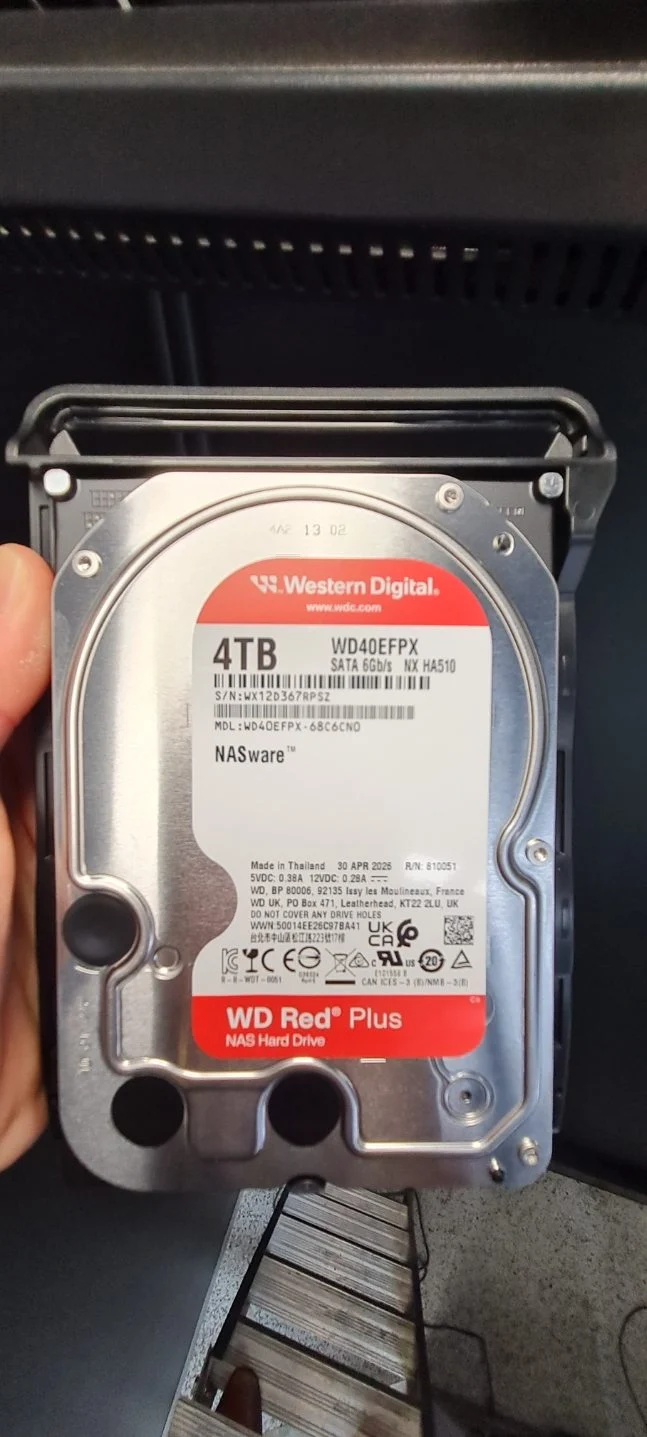
Assist with drive replacement, storage upgrades, DSM configuration, troubleshooting, monitoring and ongoing NAS maintenance.
Rated 5 Stars by Melbourne Customers
260+ customer reviews for IT support, computer repairs, Microsoft 365 and networking assistance.
EXCELLENT
Based on 260 reviews
-
GDGeorge Dalidakis★★★★★
I am always happy with your efficient and prompt assistance when I need you!!
-
ncnello compagnino★★★★★
Absolutely recommend Michael he is a SUPERSTAR he is a true professional Love his work ethic and he has set my system up perfectly 👌
-
SKSteven Kruger★★★★★
I found Michael to be very knowledgeable and helpful in my quest to upgrade my desk top computer which he had upgraded approximately 1 year ago. His pricing is competitive and product knowledge professional. Thank you.
-
STStephen Tingay★★★★★
Amazing support 24/7. When you don’t have tech knowledge Michaels ability to help at any time is 2nd to none 👍💯‼️
-
GGCA★★★★★
I've had lots of fantastic experiences with Intuitive Strategy. They are reliable, highly efficient, and always a pleasure to deal with. What really stands out is how quickly they respond whenever I need assistance. It's reassuring to know that if a problem arises, they're onto it straight away and get things resolved with minimal fuss. I highly recommend Intuitive Strategy to anyone looking for responsive and dependable IT support.
-
J-Judy - LVL Group★★★★★
amazing work fix my computer problem so quick . great service !!
-
TWTremlett Woodstar★★★★★
Friendly, Prompt, knowledgeable, . . . they fixed all our apple and PC problems efficiently and importantly at an affordable price. What else is there to say, we highly recommend Intuitive Strategy for all our computer/IT needs. Toucan Glass Studio
-
DCDavid Cooke★★★★★
In our design practice, we really like working with the team at Intuitive Strategy. Michael & Hugh from the team are always there for us when we need them. Our most recent IT upgrade to M365Email was brilliantly handled by Hugh, who set things up for us out of office hours to make sure we had a seamless transition. Highly recommend this crew
-
ALAlison Lamont★★★★★
Thanks Michael for a wonderful outcome to our tech issues. You were a calm, patient and very competent support.
-
HBHarley Berridge★★★★★
Amazing service and quality technical work. Michael and team saved our bacon on a Sunday. They bent over backwards to fix our laptop and recover project work stuck on a faulty drive. Highly recommended!
-
KZKylie Zamel-Gjubini★★★★★
Hugh supported our business with IT security and email domain set up and migration. Services was quick, knowledgable and took the stress out of us having to understand and manage this process.
-
LKLucia K★★★★★
Fantastic, service as always, problems consistently fixed swifty and completely resolved. Good, prompt, consistent service is a surprise these days.
-
SGSteven Grant★★★★★
Michael was efficient, fast, friendly and extremely helpful in sorting out not only the problem contacted about but willing to spend the time to sort out several other minor issues as well.
-
SASarah Ashton★★★★★
Micheal was patient with me and guided me through a difficult process. Highly recommend
-
OOOptical Oasis★★★★★
We have been using Michael and his team for a number of years and cannot fault the service. Always quick on the response and extremely knowledgeable. As a small business he never makes me wait like other big businesses have in the past. My small business is always important to them.
-
RARobin Alfredson★★★★★
The service was excellent!!
-
PBPaul Burke★★★★★
Michael is very responsive and knowledgeable. Great customer service and great outcomes!
-
SSScott Stephens★★★★★
I would give a 10 star if I could. IT and phones are my worst nightmare when things go wrong !! Hugh is very calm , follows careful process, time efficient ! … and a gentleman with it !! .. I have already passed his details on to friends and family.
-
BPBruce Pattison★★★★★
Excellent service & follow up from Hugh to fix an email issue & help with a new laptop. I highly recommend Hugh.
-
DIDaniel Ingram★★★★★
Hi Dealing with Michael, Hugh and the team has been a seamless experience. Hugh’s expertise and knowledge of products helped make the situation smoother. Very professional and friendly service. This Team can work through any situation. 5 stars from me & as much work as I give them Well done 😃
Synology Support in Real Business Environments
Examples of the Synology technologies and business workflows we support across Melbourne.
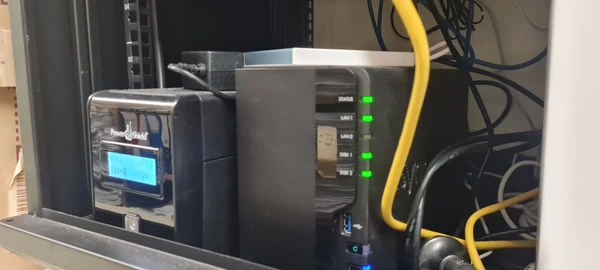
Business NAS & Infrastructure
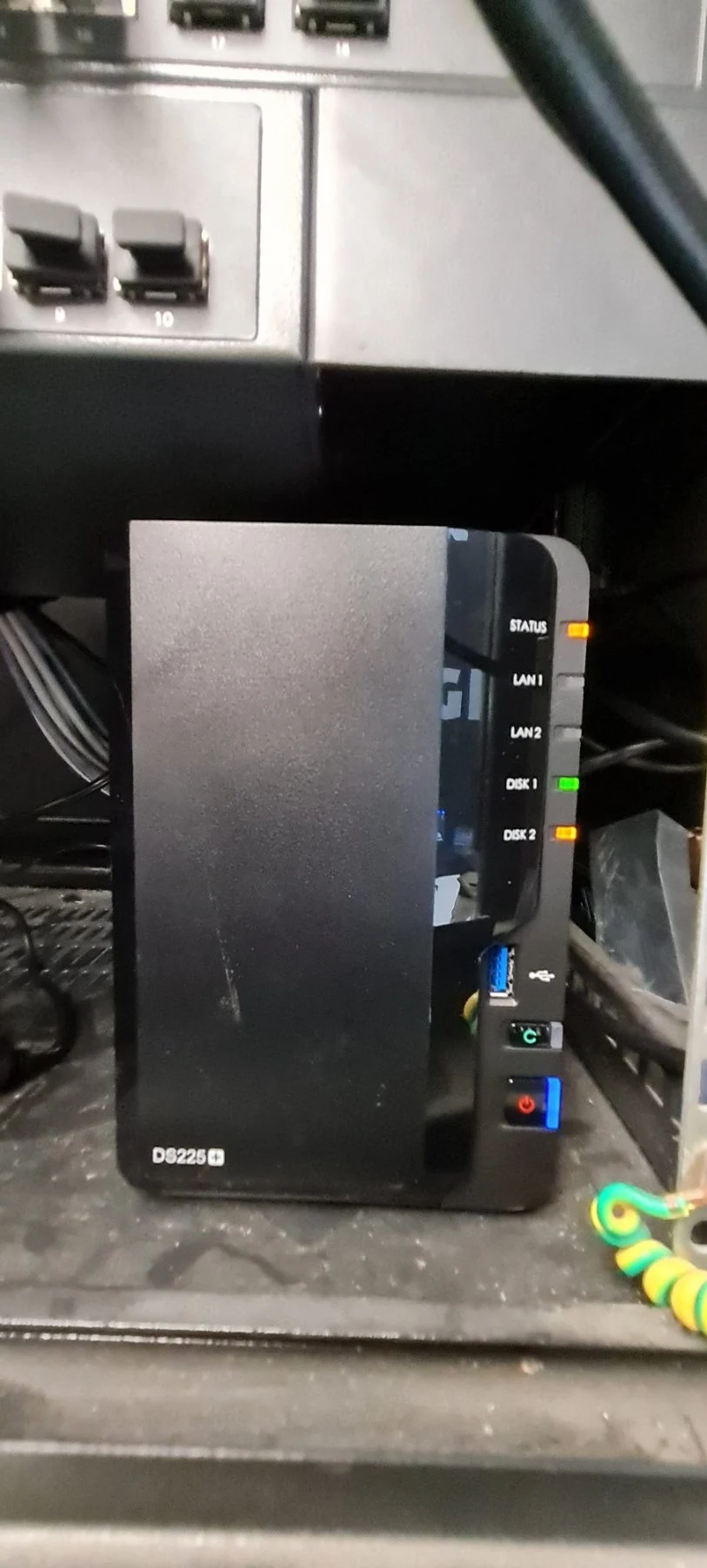
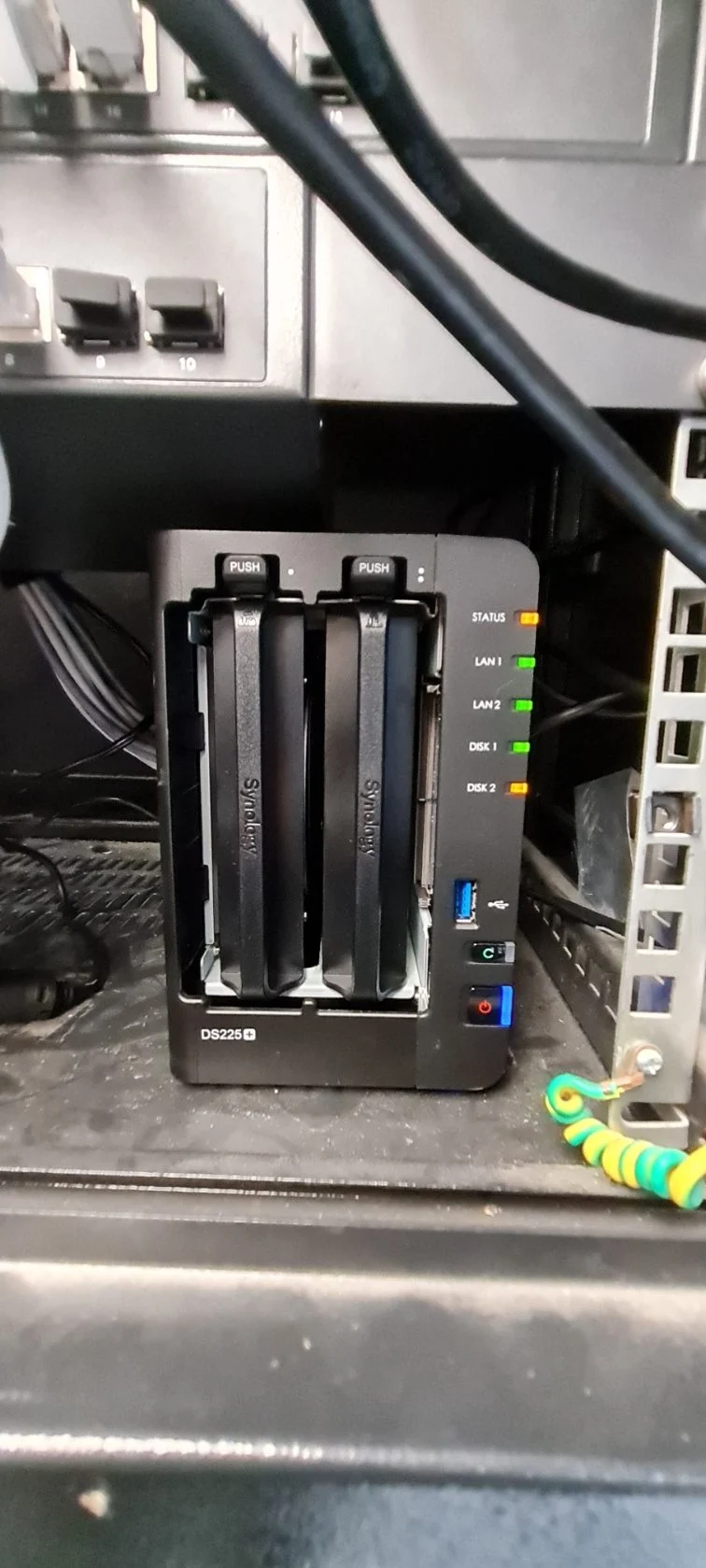
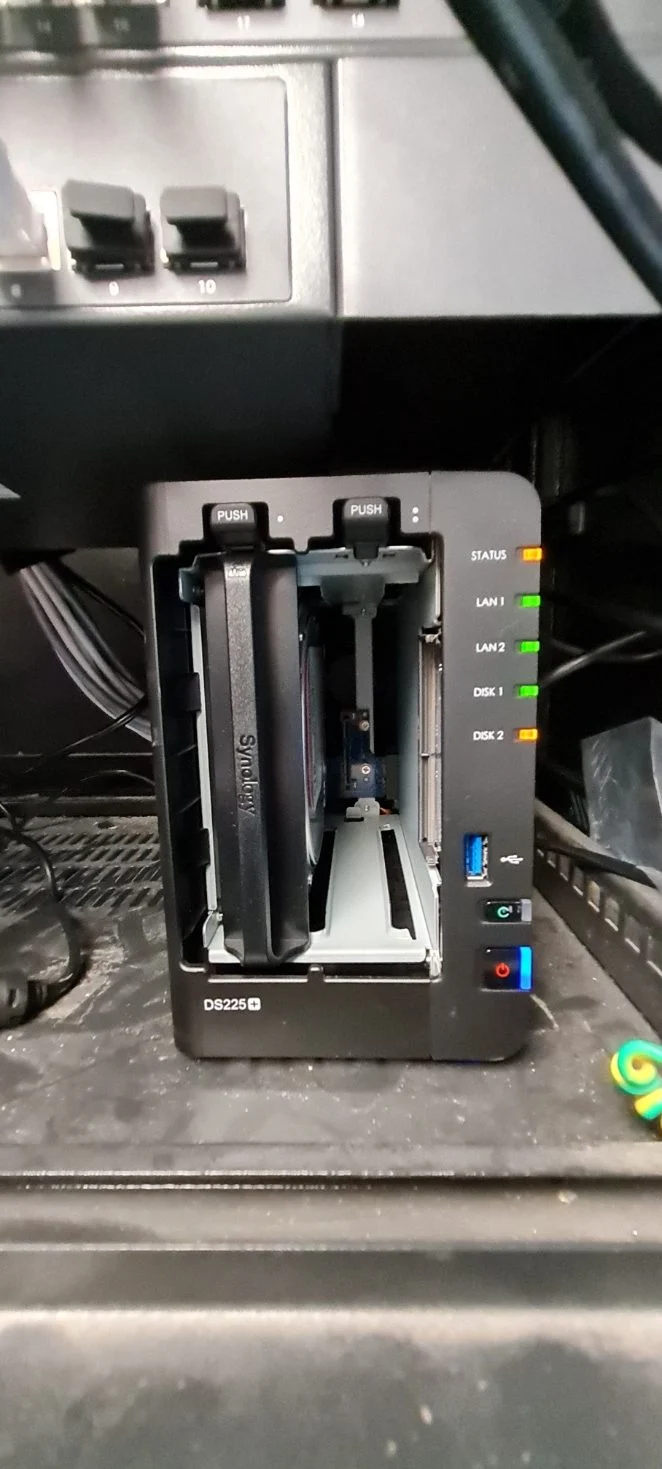
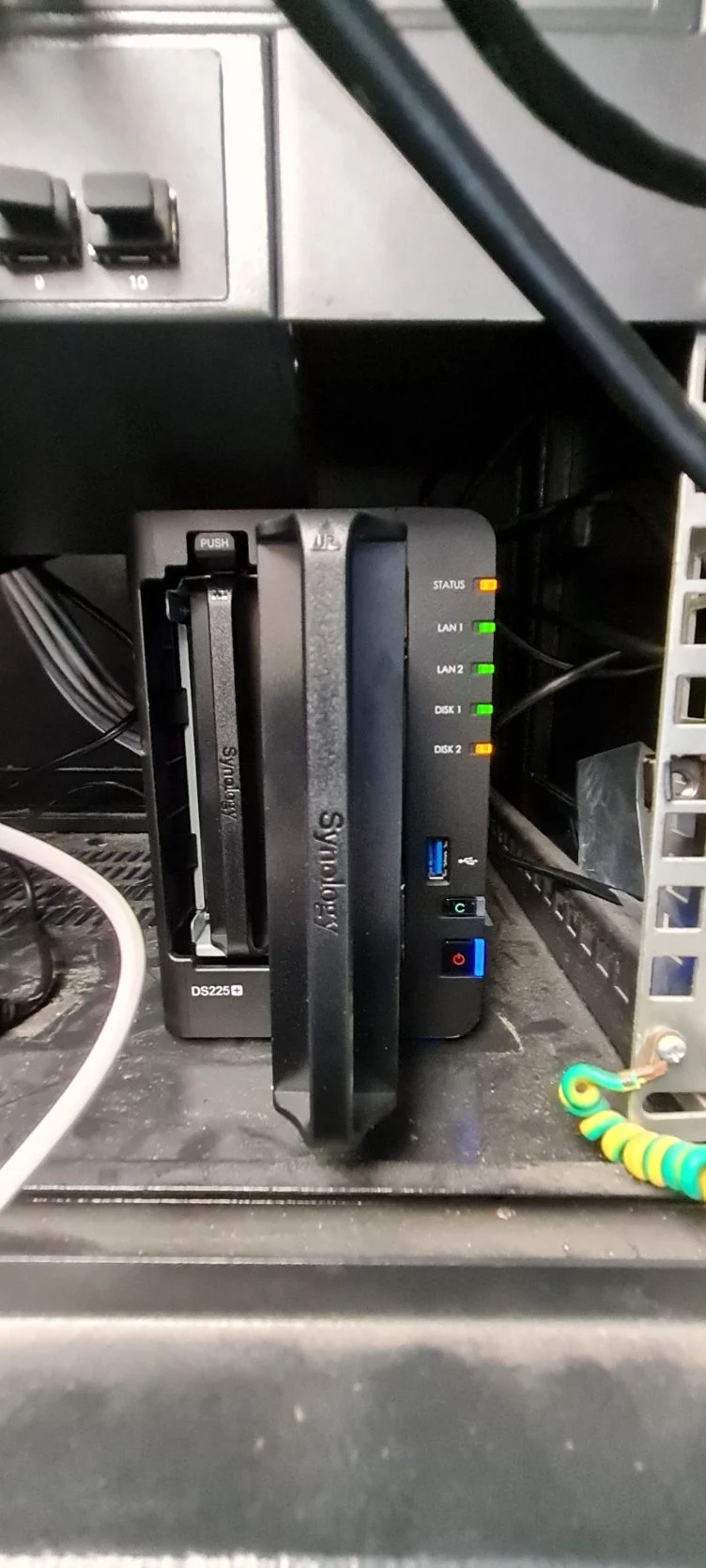
Synology NAS integrated with network infrastructure, backup and power protection for a Melbourne business environment.
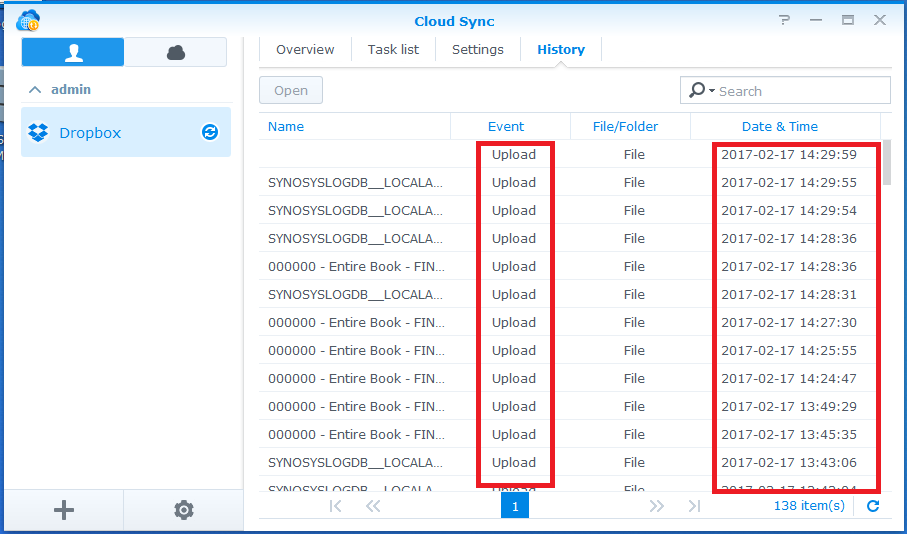
Synology Cloud Sync
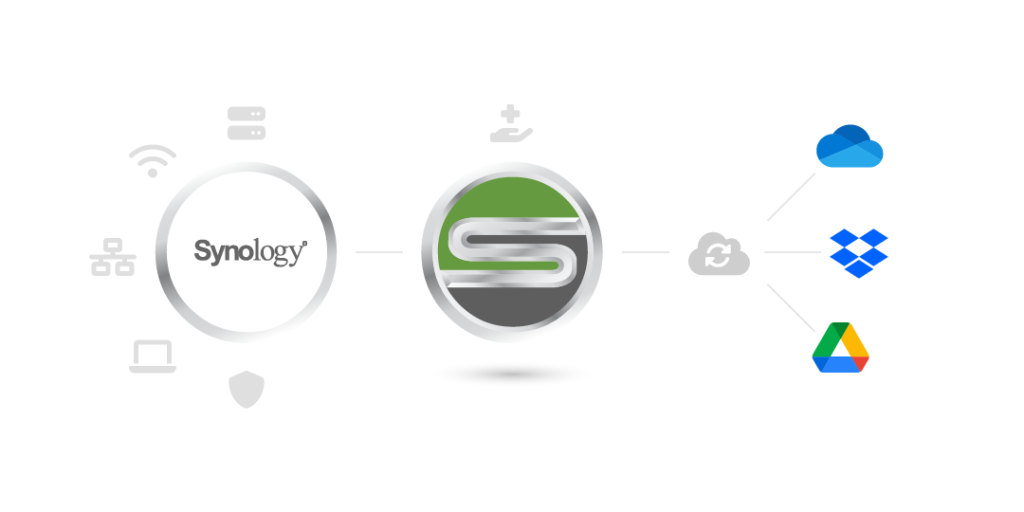
Cloud Sync can replicate selected NAS data to supported cloud platforms for offsite backup and business data workflows.
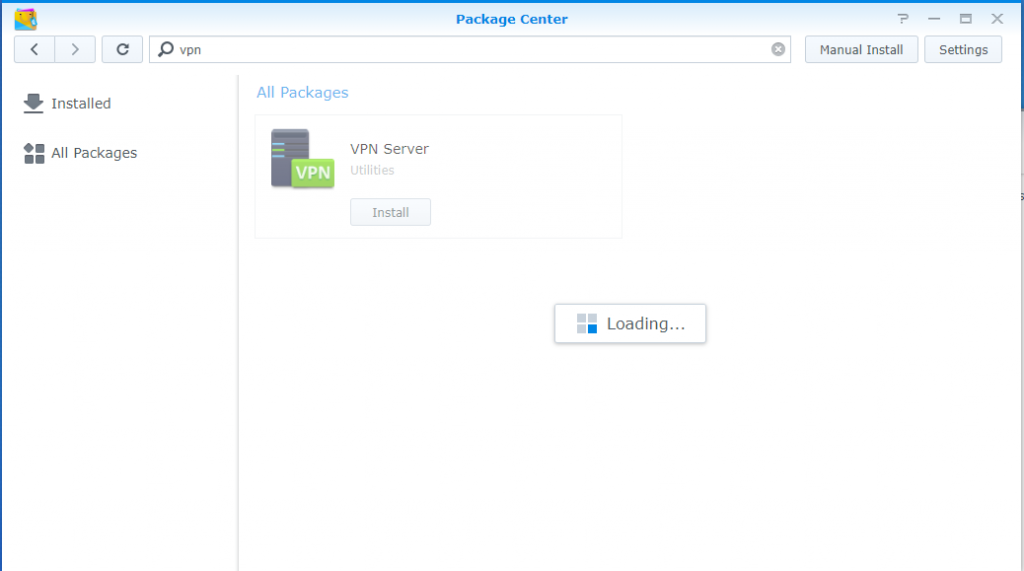
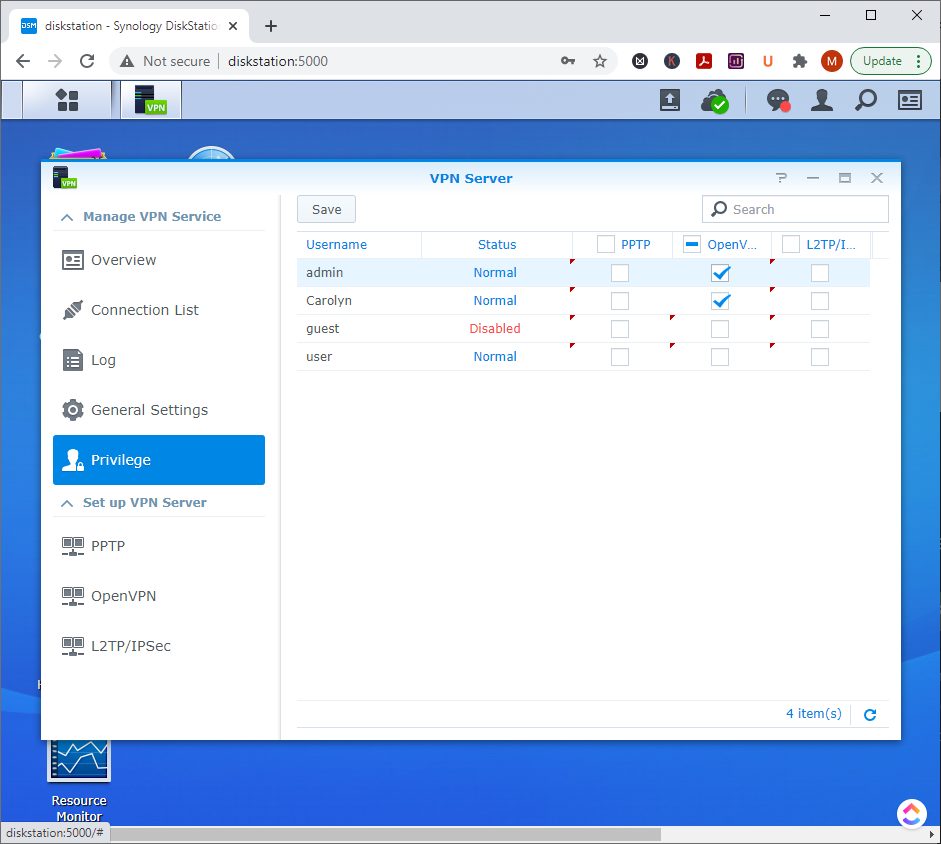
Synology VPN Server
Secure remote access using Synology VPN Server and OpenVPN for staff who need controlled access to business resources.
Synology Backup, Hyper Backup & Cloud Sync
Synology provides several different ways to protect and replicate business data. The right approach depends on whether you need backup, synchronisation, rapid recovery or access to the same information from multiple locations.
Common options include:
- Hyper Backup for versioned backup to supported local, NAS and cloud destinations
- Cloud Sync for synchronising selected folders with supported cloud platforms
- NAS-to-NAS backup for maintaining another copy of business data at a second location
- USB and other local backup options where appropriate
Backup and synchronisation are not the same thing, so we design the workflow around the business recovery requirement rather than simply enabling every available sync option.
Secure Remote & Multi-Site Synology Access
Synology can also support secure access to business resources for staff working remotely or across multiple offices.
Depending on the network and business requirements, this can include:
- Synology VPN Server and OpenVPN
- controlled working-from-home access
- remote access to files and network resources
- cross-site access between offices
- site-specific access for printing or internal services
See our Synology VPN Server with OpenVPN guide, or talk to us about the most suitable approach for your environment.
Synology NAS for Melbourne Businesses
Synology NAS is well suited to businesses that need controlled shared storage, practical backup and secure access to important data.
Accounting & Finance
Legal
Dental & Healthcare
Professional Services
Education & ELC
Trades & Operations
Synology User Access, Permissions & Data Security
A business NAS should not simply be a large shared folder that everyone can access.
We can structure Synology access around your organisation using:
- individual DSM users and groups
- department or role-based shared folders
- read-only and read/write access where appropriate
- restricted management access
- secure remote-access configuration
- backup and recovery permissions
The aim is to give staff the access they need while keeping sensitive business information appropriately controlled.
Synology NAS, UPS Protection & Business Continuity
For businesses relying on a NAS as a central source of data, the storage system should be included in broader business continuity planning.
That can include offsite backup, NAS-to-NAS replication, network resilience, monitoring and UPS battery backup.
Compatible Synology systems can communicate with supported UPS hardware so the NAS can respond to extended power loss and shut down safely before battery capacity is exhausted.
We can also integrate Synology support with our Managed IT Services, business networking and broader business continuity planning.
If a NAS has already failed or important files have been lost, see our Data Recovery services.
Synology NAS Support FAQs
Can you set up a new Synology NAS for my business?
Yes. We can configure the NAS, storage volumes, DSM, shared folders, users and permissions, then migrate business data from an existing NAS, server or workstation where appropriate.
Can you migrate data from an old server or NAS to Synology?
Yes. We can plan and perform migrations from older NAS devices, Windows file servers and other business storage, while preserving appropriate folder structures and access requirements.
Can Synology back up to the cloud?
Yes. Synology supports several cloud backup and synchronisation options. We commonly configure Hyper Backup or Cloud Sync according to whether the business needs versioned backup, synchronisation or another offsite copy of its data.
Can you back up one Synology NAS to another location?
Yes. NAS-to-NAS backup can provide an additional copy of business data at another office or site. The best method depends on available bandwidth, data volume, recovery requirements and the Synology models involved.
Can staff securely access a Synology NAS from home?
Yes. We can configure secure remote access appropriate to the business environment, including Synology VPN Server and OpenVPN where suitable.
Can multiple offices access the same Synology data?
Yes. Multi-site access can be designed around the network, security and workflow requirements of each office. This may use VPN access, synchronisation or other Synology-supported methods depending on how the data needs to be used.
Can a Synology NAS shut down safely during a power outage?
Compatible Synology NAS systems can communicate with supported UPS hardware and respond to an extended power outage. We can configure suitable UPS protection and graceful shutdown behaviour where supported.
Do you provide Synology data recovery?
We provide data recovery and troubleshooting for failed storage devices and NAS environments. The appropriate recovery approach depends on the condition of the NAS, drives and RAID or storage configuration.
Need Help With Your Synology NAS?
Talk to our Melbourne IT team about Synology NAS setup, migration, backup, permissions, VPN access, troubleshooting or business continuity.