PERSONAL CYBER SECURITY MELBOURNE

Personal & Family Cyber Safety Melbourne

Practical personal cyber security and family cyber safety support for Melbourne households and individuals.

We help with parental controls, family internet filtering, account security, multi-factor authentication, home computer protection and recovery after scams, malware or account compromise.

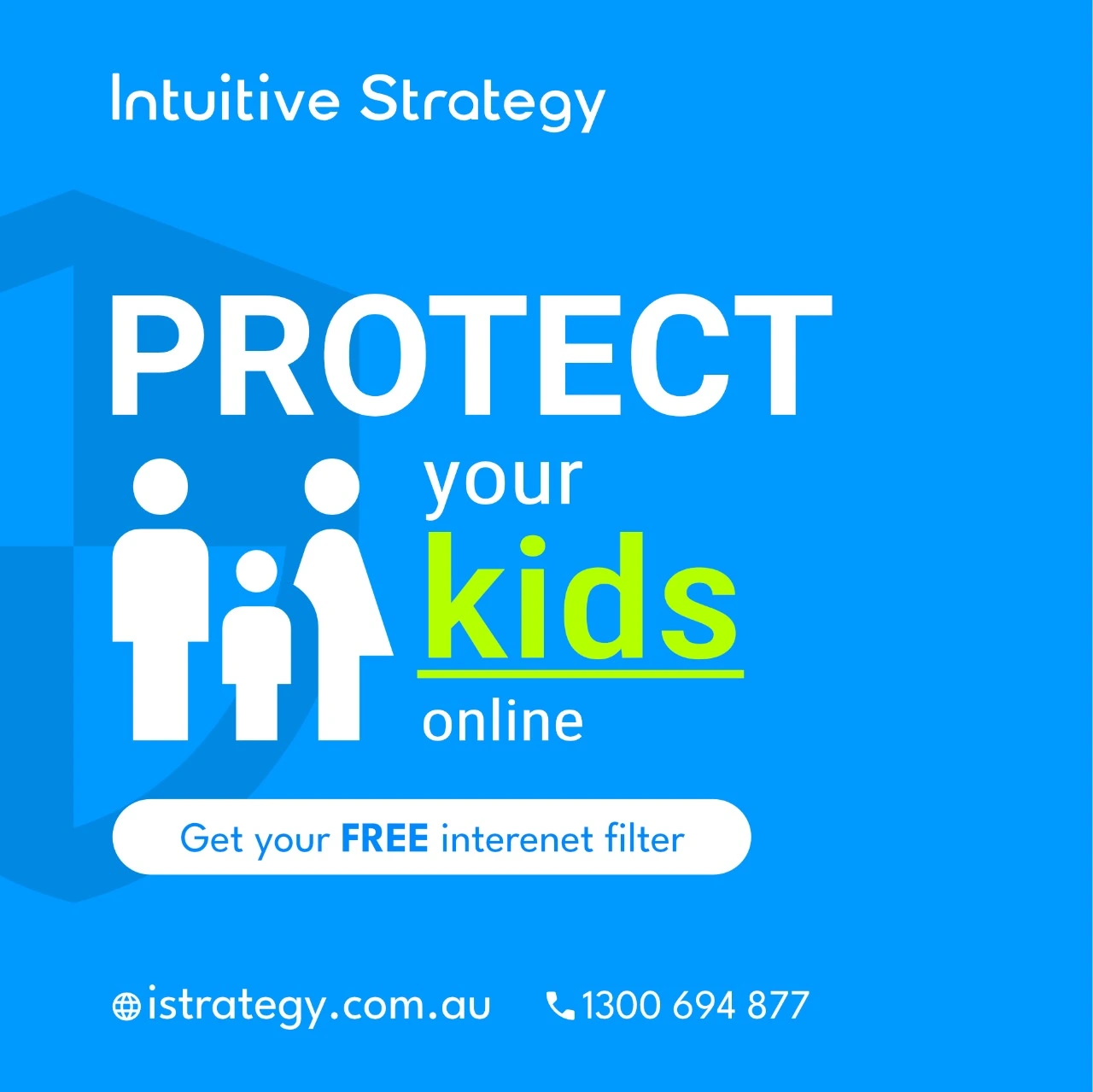
Help reduce access to unwanted, adult and known malicious websites.

Strengthen email, cloud and social accounts with MFA and safer recovery options.

Practical cyber safety support for Melbourne homes and individuals.

Personal Family Cyber safety for children

25+ years

Local technicians

7-day support

260+ reviews

On-site & remote

Cyber Safety for Melbourne Families & Individuals

Personal cyber security is about protecting the people, accounts, computers and home network your household relies on every day.

Parental Controls

Set age-appropriate controls and restrictions on supported devices, accounts and online services.

Family Internet Filtering

Configure compatible home networks to reduce access to adult content and known malicious websites.

Account & MFA Security

Protect important email, Apple, Google, Microsoft and social accounts with stronger authentication.

Home Computer Security

Improve protection on family PCs and Macs with updates, security software and safer configuration.

Scam & Phishing Help

Get practical help after suspicious emails, fake login pages, remote-access scams or account compromise.

Home Wi-Fi & Device Security

Review router settings, Wi-Fi access and connected devices as part of a safer home technology environment.

Personal & Family Cyber Security Services

Our personal cyber security consultants can help with one-off setup, troubleshooting and practical improvements for families and individuals.

Parental Controls Setup

Configure parental controls on supported computers, mobile devices, accounts and online services.

Whole-Home Internet Filtering

Set up compatible router or DNS-based filtering to help block adult content and known malicious websites across the home network.

Personal Account & MFA Security

Improve sign-in security, enable multi-factor authentication and review account recovery options.

Malware & Unwanted Software

Help remove malicious or unwanted software and secure the affected computer and accounts.

Home Wi-Fi & Router Security

Review router configuration, Wi-Fi access and connected-device security where appropriate.

Scam & Account Compromise Help

Practical assistance after phishing, suspicious sign-ins, compromised email or social media accounts and online scams.

Rated 5 Stars by Melbourne Customers

260+ customer reviews for IT support, computer security, malware removal, Wi-Fi and cyber security assistance.

EXCELLENT

Based on 264 reviews

Parental Controls & Family Internet Filtering

Parental controls work best when they combine sensible device and account settings with appropriate protection at the home-network level.

Depending on your devices and router, we can help with:

  • parental controls on supported computers, phones and tablets
  • Apple, Google, Microsoft and other family-account controls
  • DNS-based filtering for adult and known malicious websites
  • router-level family internet filtering where supported
  • safer browser and search settings
  • reviewing recovery accounts and administrator access

Filtering can reduce exposure to unwanted content, but no technical control can block every harmful website or replace appropriate parental supervision.

Family internet filtering and parental controls
email cyber security for Microsoft 365

Personal Accounts, MFA & Identity Security

Email, social media and cloud accounts contain valuable personal information and are common targets for attackers.

We can help improve personal account security with:

  • multi-factor authentication
  • stronger sign-in and recovery settings
  • backup and recovery codes
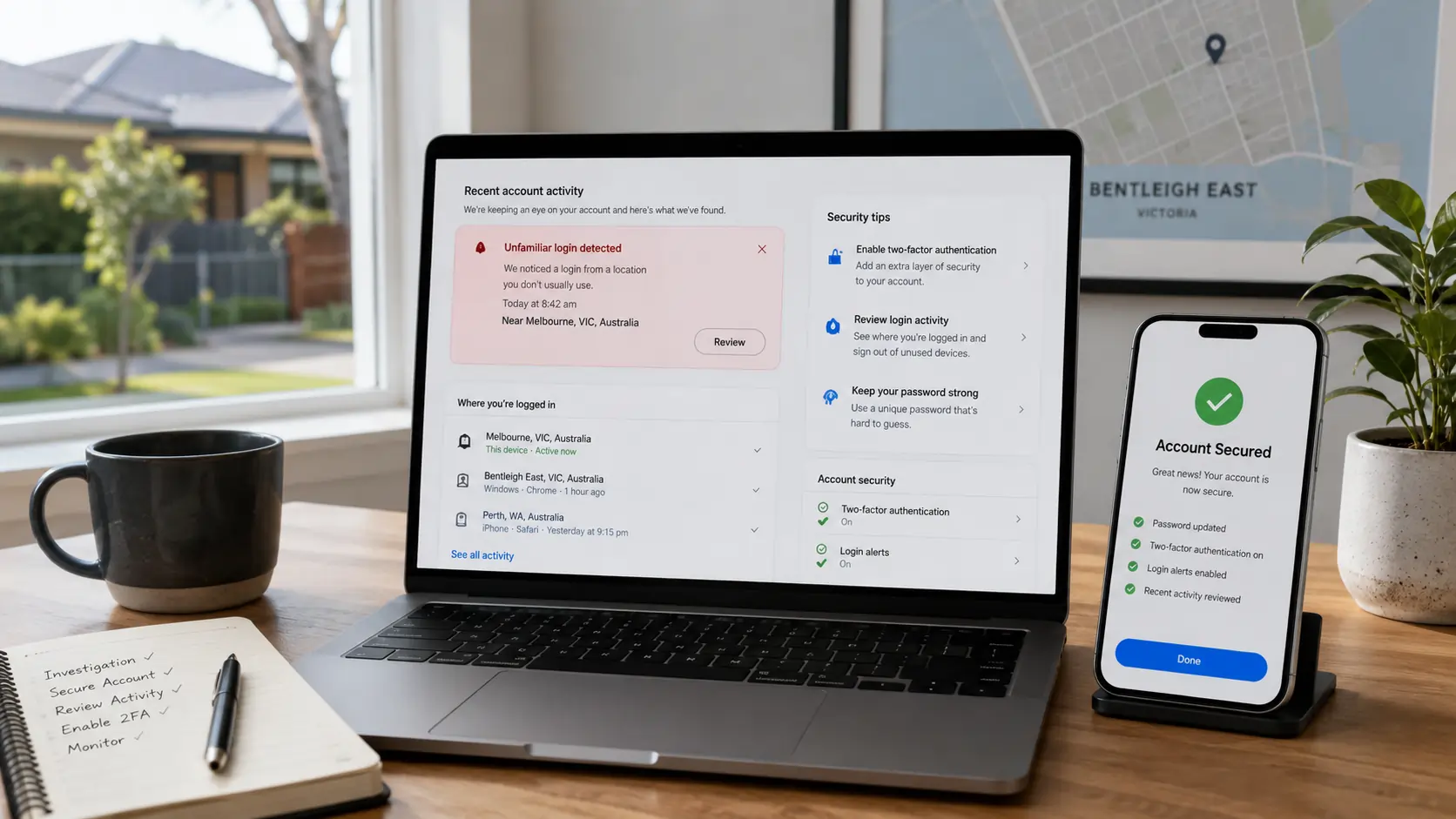
  • reviewing suspicious sign-ins and connected sessions
  • password and account recovery assistance
  • Apple, Google, Microsoft, email and social-account security

If an account has already been compromised, we can help secure access and review the affected computer or device for related problems.

Home Computer, Device & Wi-Fi Security

Family cyber safety also depends on keeping the computers and home network behind those accounts reasonably secure.

We can assist with:

  • Windows and Mac security updates
  • antivirus and malware protection
  • supported device encryption
  • browser and safe-browsing settings
  • router administrator security
  • Wi-Fi passwords and guest-network configuration
  • backup and recovery options

For dedicated networking work, see our Wi-Fi & Networking Support service.

safe browsing cyber security
Facebook account security in Bentleigh East

Scams, Phishing & Account Compromise

If you have clicked a suspicious link, entered a password into a fake website, allowed unexpected remote access or noticed unusual activity on an account, we can help work through the practical next steps.

Depending on what happened, assistance may include:

  • changing and securing affected passwords
  • enabling or resetting multi-factor authentication
  • reviewing email and social-media access
  • checking computers for malware or unwanted remote-access software
  • reviewing suspicious browser extensions and settings
  • helping secure related accounts and recovery options

For computer infection work, see our Virus & Malware Removal Melbourne service.

ACSC Partner & Practical Cyber Safety Advice

Intuitive Strategy is an Australian Cyber Security Centre (ACSC) Partner, helping us stay connected with official Australian cyber security guidance and current threat information.

For families and individuals, our focus is practical: safer accounts, stronger authentication, protected computers, sensible parental controls, safer home networking and clear advice when something suspicious happens.

For broader business security requirements, see our Cyber Security Melbourne service.

Intuitive Strategy becomes an ACSC Partner

Personal & Family Cyber Safety FAQs

What personal and family cyber security help do you provide?

We help Melbourne families and individuals with parental controls, internet filtering, account security, MFA, home computer protection, Wi-Fi security, malware problems and practical assistance after scams or account compromise.

Yes. We can configure supported parental controls on computers, mobile devices, family accounts and online services. The available controls depend on the devices and platforms your household uses.

Yes, where the home router and network configuration support it. DNS-based family filtering can help reduce access to adult content and known malicious websites across multiple devices without installing filtering software on every computer.

Yes. We can help improve security for supported personal accounts using multi-factor authentication, safer recovery settings, recovery codes, password changes and reviews of suspicious sign-ins or active sessions.

Yes. We can help secure affected accounts, change access credentials, review MFA and recovery settings and check relevant computers for malware or unwanted remote-access software. The exact steps depend on what happened.

Yes. We provide malware and unwanted-software removal for supported Windows and Mac computers and can help improve security afterwards. See our Virus & Malware Removal service for more information.

Yes. We provide onsite assistance across Melbourne and remote support where the problem can be safely resolved without an onsite visit.

No. Parental controls, DNS filtering and security software can reduce risk and unwanted exposure, but no technical control can block every harmful website, scam or unsafe interaction. They work best alongside appropriate parental supervision and ongoing cyber-safety awareness.

Need Help Protecting Your Family Online?

Book personal cyber security, parental controls or family cyber safety support with our Melbourne team.

Book an IT service Today
Google rating
4.9