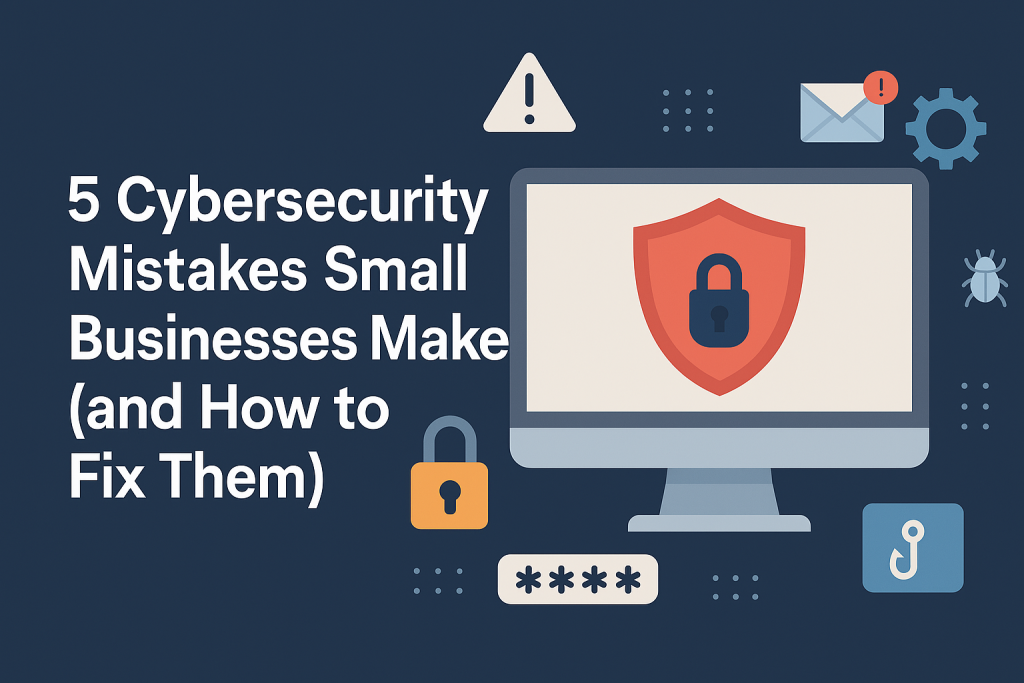
1. Weak Password Practices
Reusing the same passwords across tools or sticking to easy-to-guess combos like “Business123” is risky.
✅ Fix it: Use a password manager and enable two-factor authentication (2FA) wherever possible.
2. Skipping Software Updates
Delaying updates leaves systems open to known vulnerabilities.
✅ Fix it: Enable automatic updates or schedule weekly patching routines.
3. No Staff Training on Phishing
Employees are the first line of defense—and the first to fall if they’re not trained.
✅ Fix it: Hold quarterly training sessions on how to spot suspicious emails or links.
4. No Backup or Recovery Plan
A ransomware attack or accidental deletion could wipe out critical data.
✅ Fix it: Back up files regularly to a secure, offsite (or cloud-based) system and test recovery.
5. Assuming Antivirus Is Enough
Traditional antivirus is no longer enough to protect against modern threats.
✅ Fix it: Consider layered protection—endpoint detection, firewalls, threat monitoring.
Your business deserves better than “hope for the best” security.
Let’s make sure you’re covered. Contact our cyber security experts for a free cybersecurity review today.
Expert News
WordPress Website Security Checklist for Small Businesses
A practical WordPress website security checklist for small businesses, covering plugin updates, backups, MFA, admin access, hosting, DNS, email security and incident response. Learn how to reduce the risk of your website being hacked, blacklisted, defaced or used to send spam.
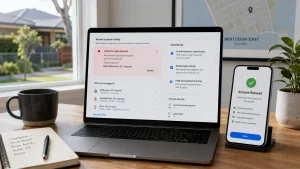
UniFi Wi-Fi Speed & Drop-Out Issues in a Large Kew East Home
We were recently called out to a large home in Kew East where the client was experiencing slow Wi-Fi speeds, drop-outs and inconsistent performance across the house.
The home already had a fairly serious network setup installed, including four UniFi access points connected back to an enterprise 16-port Ubiquiti Edge PoE+ switch. The internet connection was with Aussie Broadband, and the main router being used was an Eero router.
On paper, the home had the right idea: multiple access points, wired backhaul and business-grade networking equipment. But the way the Wi-Fi was configured was causing problems.
Upgraded to Deco Mesh or UniFi Wi-Fi 7? How to Optimise Your Windows 11 Laptop for Better Wi-Fi Performance
A Wi-Fi 7 upgrade does not always mean your laptop will automatically use the fastest connection. Here are the Windows 11 settings to check after upgrading to Deco Mesh or UniFi Wi-Fi 7.
How Screen Recordings Help IT Support Teams Diagnose Cyber Security Issues Faster
When something strange happens on a work computer, the details matter.
A suspicious pop-up appears. An Outlook error flashes on screen. A Microsoft 365 login prompt looks slightly different. A user clicks a link in an email and then realises something may not be right.
By the time an IT technician gets involved, the original screen may be gone. The user may have clicked “Try Again”, closed the window, restarted the computer or forgotten the exact wording of the message.
That is where a short screen recording can be surprisingly useful.
For small businesses, screen recordings can help IT support providers understand what happened, what the user saw, what they clicked and what sequence of events led to the issue. Used correctly, they can reduce back-and-forth, speed up diagnosis and create better internal documentation.
Used incorrectly, however, they can also capture sensitive information. So the key is knowing when a screen recording is helpful, and when it should be avoided.