COMPUTER MAINTENANCE MELBOURNE

Computer Maintenance Melbourne

Computer maintenance for slow, ageing or newly purchased laptops and desktops across Melbourne.

We help improve performance, install compatible upgrades, maintain Windows and macOS systems, set up replacement computers and migrate user data.

Managed IT services Melbourne

25+ years

Local technicians

7-day support

260+ reviews

On-site & remote

COMPLIMENTARY 15-MINUTE REVIEW

Not sure if your business IT is set up properly?

Get a clearer picture of your Microsoft 365, backups, data storage, computers, security and network with a complimentary 15-minute review with a Melbourne IT consultant.

✓ 15-minute phone review

✓ No remote access required

✓ No obligation

✓ Practical next steps

Start with a quick IT Health Check

Talk through your current setup and find out which areas deserve a closer look.

Prefer to talk? Call 1300 694 877

Computer Maintenance for Melbourne Homes & Businesses

Computer maintenance is about keeping a working computer reliable, responsive and suitable for the way you use it — before a small issue becomes a larger repair.

Slow Computer Tune-Ups

Identify unnecessary startup load, software clutter and common causes of poor day-to-day performance.

Windows & macOS Maintenance

Install appropriate updates and review common operating-system and application maintenance items.

SSD & Storage Upgrades

Upgrade compatible computers to faster or larger storage and migrate data where practical.

RAM & Hardware Upgrades

Assess compatible RAM and practical hardware upgrades that can extend the useful life of a computer.

New Computer Setup

Set up replacement PCs and laptops, user accounts, software and common peripherals.

Business Workstation Maintenance

Maintain business PCs and workstations used for everyday applications, files and cloud services.

Computer Maintenance Services

Practical maintenance, setup and upgrade services for laptops, desktops and business workstations.

PC Performance Tune-Up

Review startup load, background software, storage use and common causes of slow everyday performance.

Software & Startup Cleanup

Remove unnecessary applications and startup items that no longer need to run.

System & Application Updates

Install appropriate Windows, macOS and application updates and address common update issues.

SSD & Storage Upgrades

Install compatible replacement storage and migrate working data where appropriate.

RAM & Hardware Upgrades

Assess compatible memory and hardware improvements for supported laptops and desktops.

New Computer Setup & Migration

Set up a replacement computer and transfer user files, applications and common settings where practical.

Rated 5 Stars by Melbourne Customers

260+ customer reviews for IT support, computer repairs, Microsoft 365 and networking assistance.

EXCELLENT

Based on 260 reviews

Slow Computer & PC Tune-Up Services

A computer can become slower over time even when there is no single broken component.

We can investigate common performance problems including:

  • too many programs starting automatically
  • low available storage space
  • unnecessary or outdated software
  • operating-system or application update problems
  • insufficient RAM for the workload
  • older hard drives that may benefit from an SSD upgrade

If testing identifies an actual hardware fault rather than a maintenance issue, we can move the job into our Computer Repairs service.

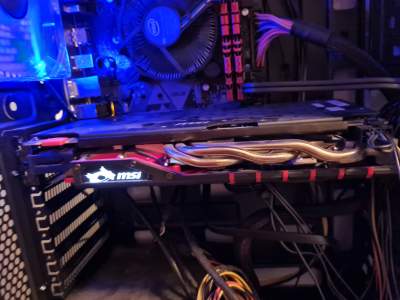
Desktop PC with graphics card removed for internal hardware inspection and diagnostics
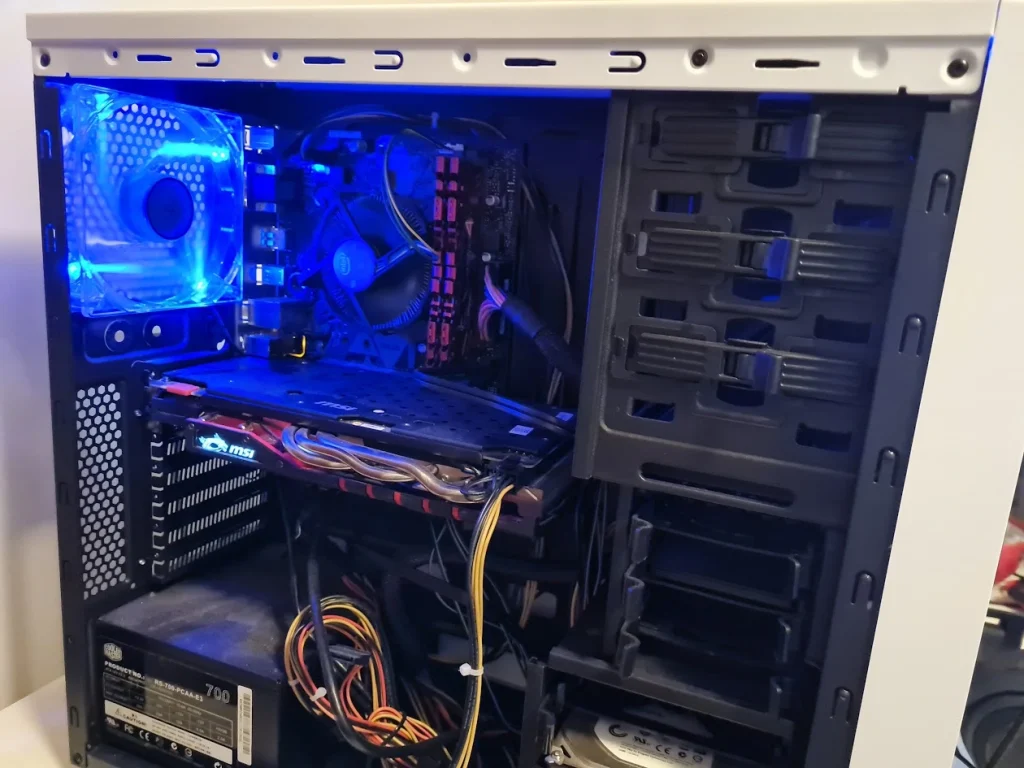
Desktop PC with NVIDIA GeForce RTX graphics card after internal hardware servicing

Windows & macOS Computer Maintenance

Keeping the operating system and key applications maintained helps reduce avoidable performance, compatibility and security problems.

Maintenance can include:

  • Windows or macOS update assistance
  • application and browser updates
  • startup and login-item review
  • storage-space cleanup
  • removing software that is no longer required
  • checking whether the computer remains suitable for current software requirements

Where a computer is infected rather than simply slow, see our Virus & Malware Removal service.

SSD, RAM & Computer Hardware Upgrades

Upgrading the right component can sometimes extend the useful life of an otherwise reliable computer.

Depending on the model and what is actually upgradeable, we can assist with:

  • SSD replacement and storage upgrades
  • RAM upgrades
  • desktop storage replacement
  • compatible workstation hardware upgrades
  • data migration to replacement storage where the original drive is healthy

Not every modern laptop has upgradeable memory or storage, so we check compatibility before recommending parts.

Desktop computer RAM and graphics hardware

Computer Maintenance for Melbourne Businesses

Reliable workstations matter when staff depend on their computers for email, cloud applications, accounting, design, documents and customer systems.

Accounting & Finance

Legal

Dental & Healthcare

Professional Services

Education & ELC

Trades & Operations

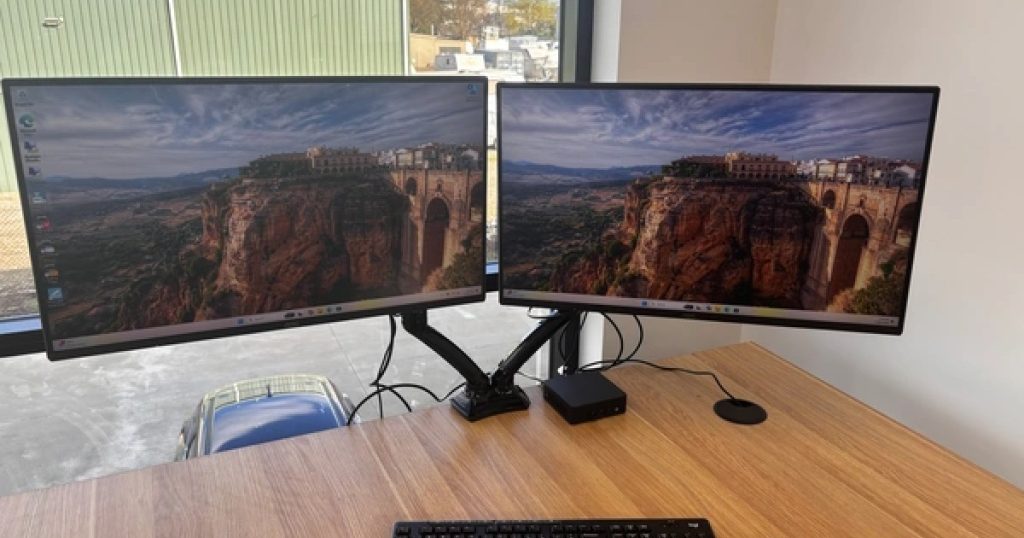
Business workstation deployed and configured for a Caulfield small business

New Computer Setup & Data Migration

Replacing an ageing computer should not mean starting everything from scratch.

We can help prepare a new Windows PC, laptop or supported Mac and move across the practical items you still need.

This can include:

  • initial operating-system setup
  • user accounts and sign-in configuration
  • transfer of documents, photos and other user files
  • Microsoft 365 and common application setup
  • printers and common peripherals
  • basic security and update configuration

If the old storage device has failed rather than simply being replaced, see our Data Recovery service.

Preventative Maintenance for Business Workstations

For small businesses, maintaining computers before they become unreliable can reduce avoidable disruption.

Periodic workstation maintenance can include:

  • operating-system and application patching
  • available storage and performance review
  • endpoint protection checks
  • backup and data-location review
  • ageing hardware and replacement planning
  • checking whether recurring support issues point to a broader IT problem

Businesses that want ongoing monitoring, patching and support across all endpoints may be better suited to our Managed IT Services.

Desktop computer internal hardware and components

Recent Computer Maintenance Services

Recent laptop, desktop, setup, upgrade and maintenance work completed for Melbourne customers.

Laptop & Desktop Maintenance

21 Sep 2026 Adding email to task bar and get AI chat on computer in Toorak.

17 Sep 2026 System storage usage review and optimisation in Mentone.

7 Sep 2026 Health check for PC that was performing slowly in Beaumaris.

7 Sep 2026 Laptop setup, data destruction before ewaste in Moorabbin.

2 Sep 2026 Intel NUC reformat for new user in Bentleigh.

Computer Maintenance FAQs

What does computer maintenance include?

Computer maintenance can include performance cleanup, software and operating-system updates, startup-item review, storage checks, compatible hardware upgrades and general preventative maintenance. The exact work depends on the computer and the problem you are trying to solve.

Yes, where the slowdown is caused by software, startup load, limited storage, insufficient memory or ageing but still functional hardware. We first identify the likely cause before recommending cleanup or upgrades.

Yes. We support common Windows and macOS maintenance, updates, software cleanup and computer setup. Hardware upgrade options vary by model because many modern devices have limited upgradeability.

Where the computer supports replaceable storage, yes. We can assess compatibility, install suitable storage and migrate working data where practical.

Where the computer has upgradeable memory, yes. Some modern laptops have soldered memory and cannot be upgraded, so we check the model before recommending RAM.

Yes. We can configure a replacement computer, set up user accounts and common applications and transfer accessible user files from the old computer.

Maintenance focuses on performance, updates, setup, upgrades and preventing avoidable problems. Computer repair is more appropriate when hardware or software is actually broken or the computer has a specific fault that needs diagnosis and repair.

Yes. We can maintain individual business workstations, while businesses wanting ongoing monitoring, patching and support across multiple devices may be better suited to our Managed IT Services.

Need Help With a Slow, Ageing or New Computer?

Tell us what computer you have and what you want to improve — performance, storage, setup, upgrades or general maintenance.

Book an IT service Today
Google rating
4.9